
Letter Templates
Start the right document from the consultation.
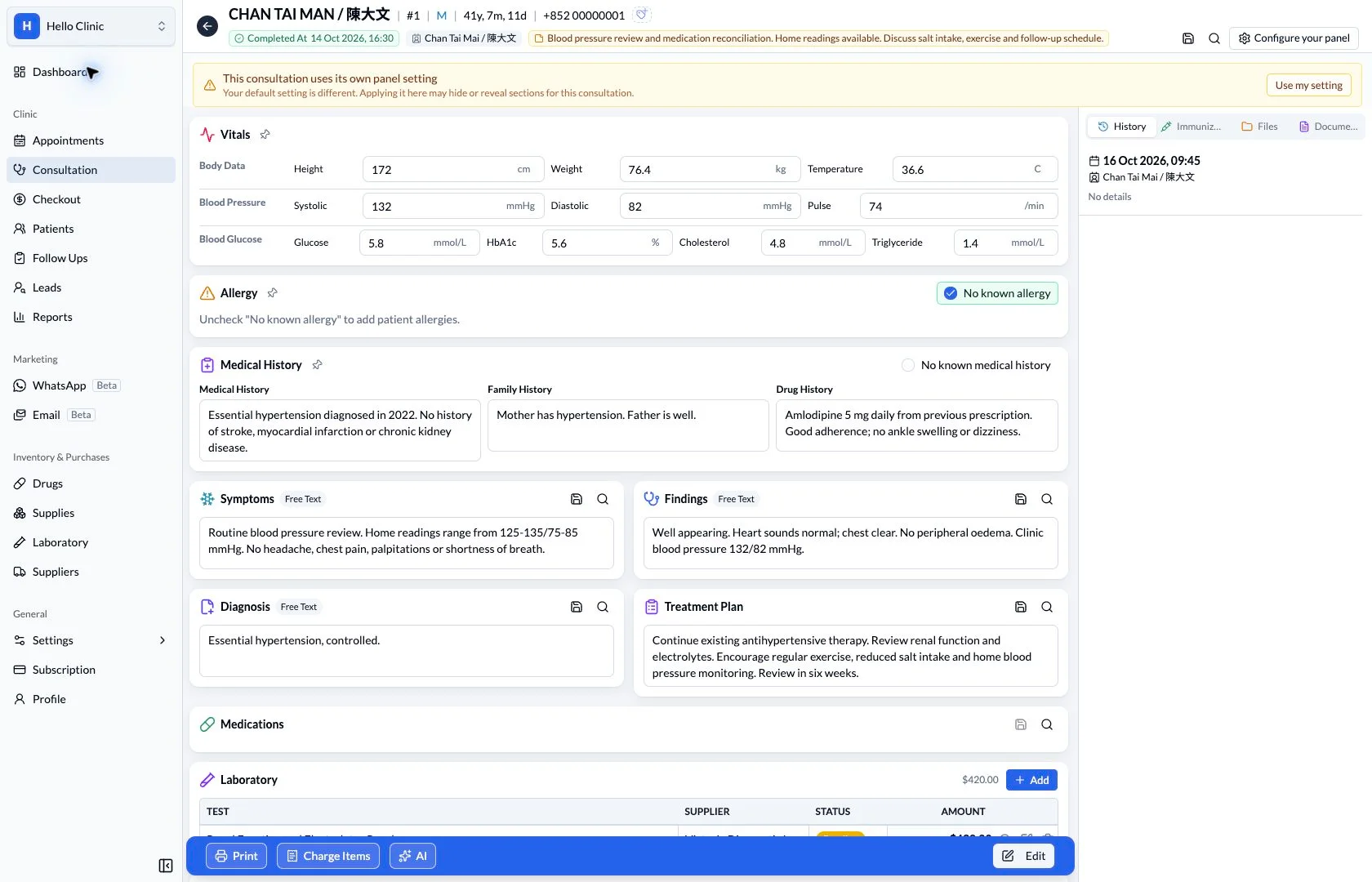
Access patient document types from the consultation’s print menu, including leave and attendance certificates, reports, prescriptions and referral letters.
Patient records & documents
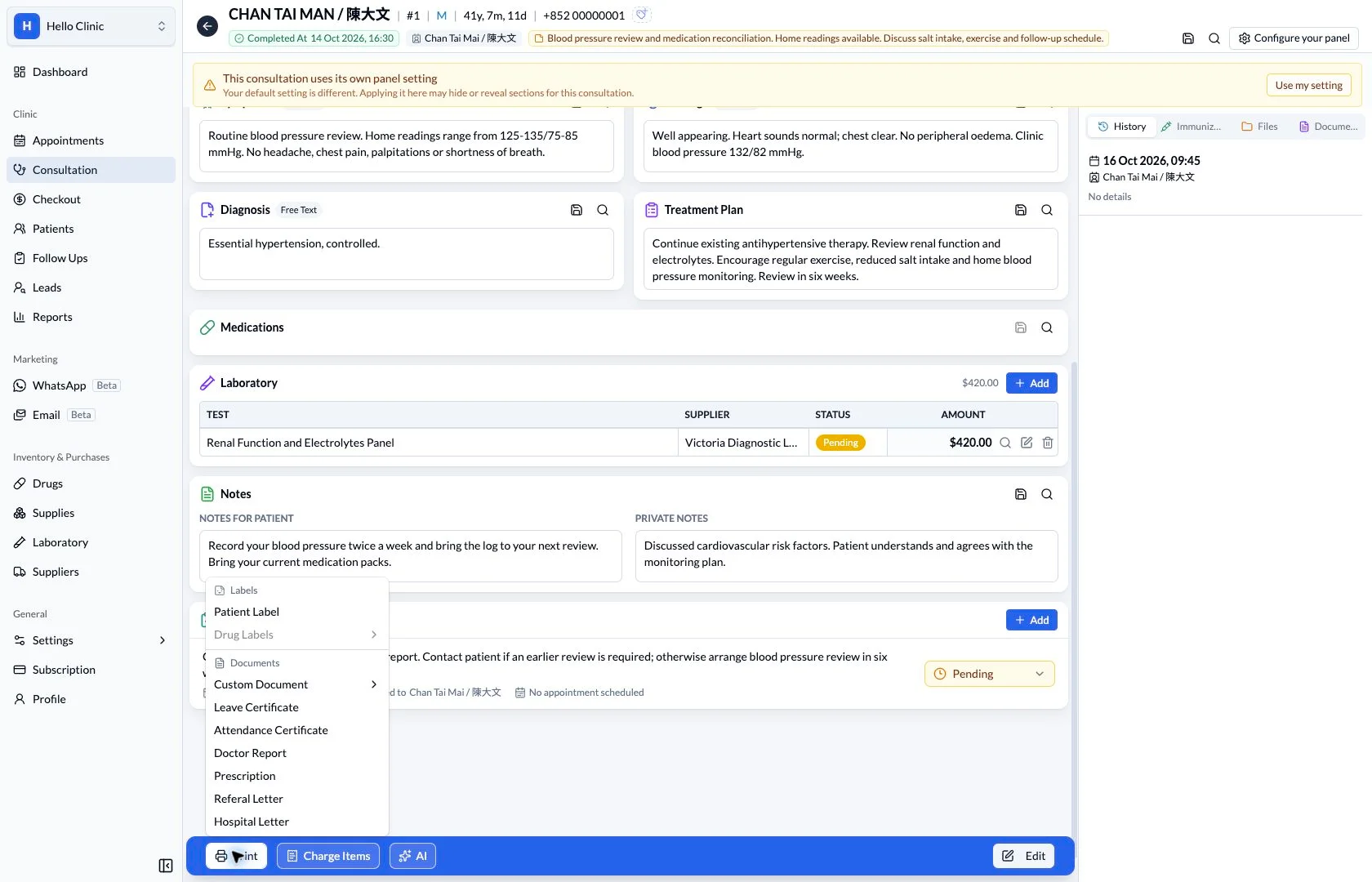
Prepare routine documents from the consultation
After a consultation, the doctor may need to prepare a referral letter, certificate or other document. Editing and staged draft review keep this work close to the visit, reducing the need to reconstruct the context later.
- Doctor
- Confirm the document purpose and clinical content.
- Assistant
- Handle printing and handover of the approved document.
Prepare the referral letter draft
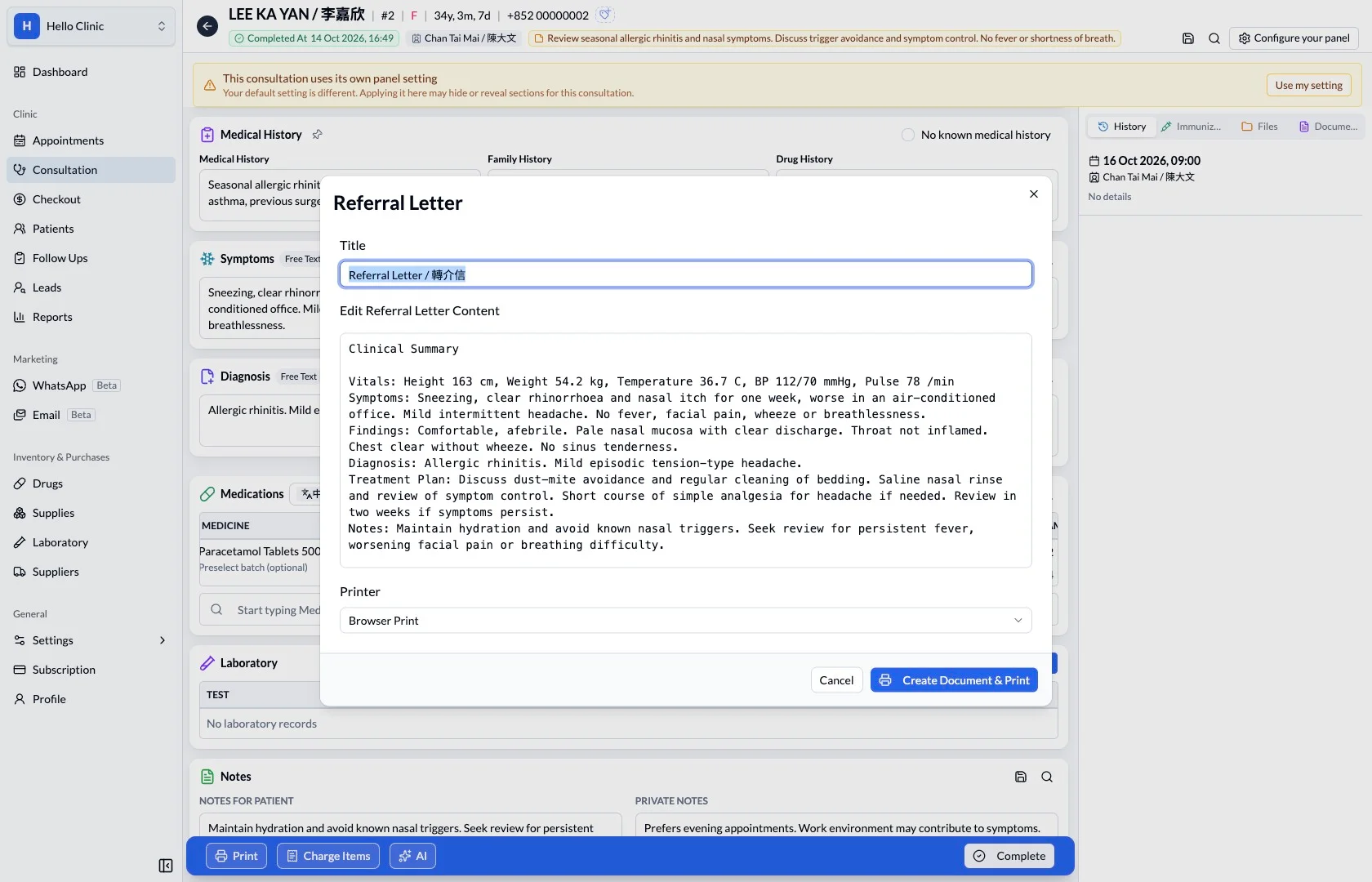
The referral letter editor presents an editable draft with consultation summary material for reference. The doctor can adapt the wording to the purpose of referral and retain the information relevant to the receiving clinician.
- Check the referral purpose and relevant clinical information.
- Remove wording that does not belong in this document.
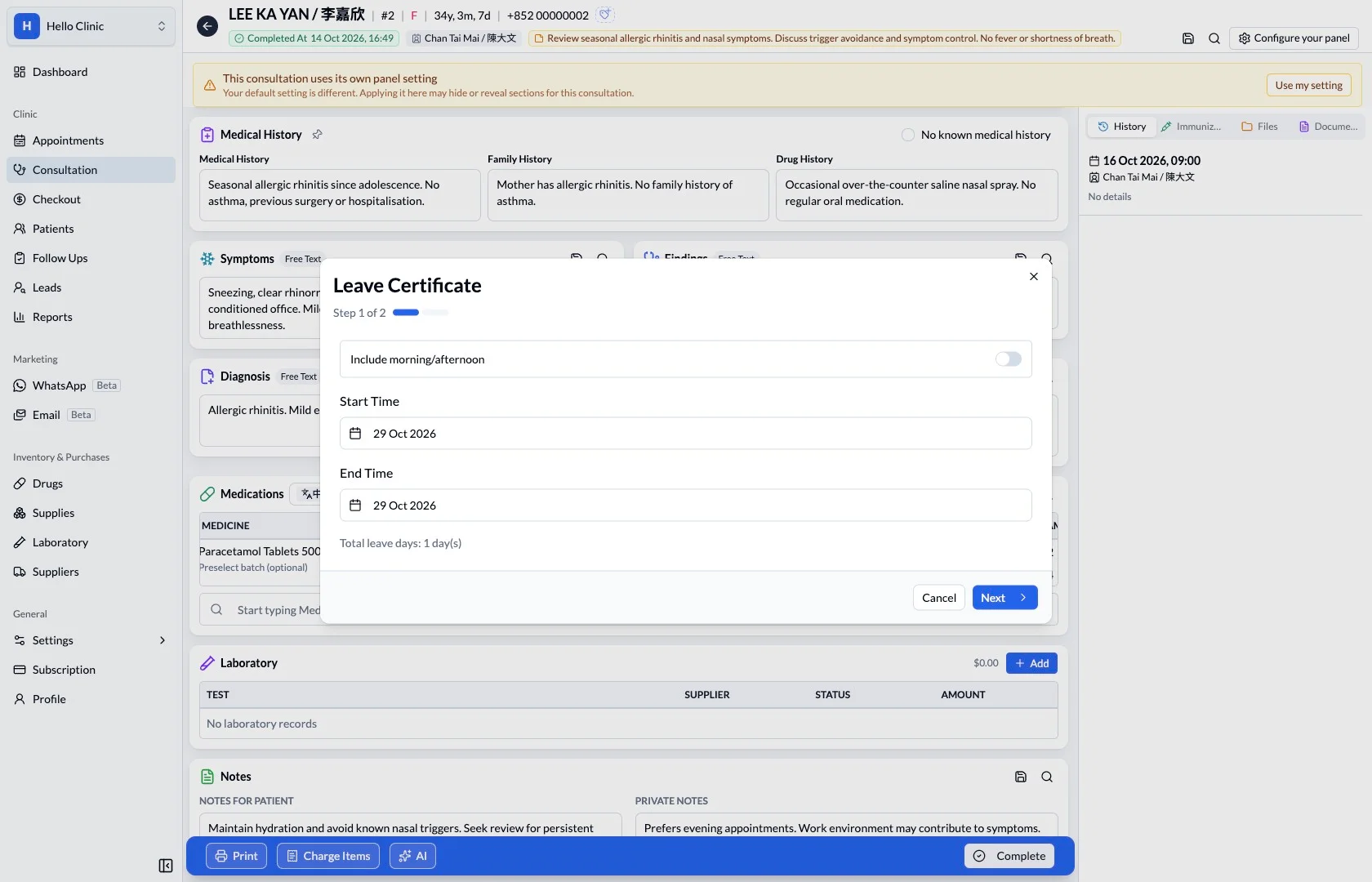
Check certificate dates first
The certificate workflow begins with basic details such as dates. Staff can confirm the required period with the patient at this stage, before progressing to the text draft and final document.
- Confirm the patient and applicable dates.
- Proceed once the period has been checked.
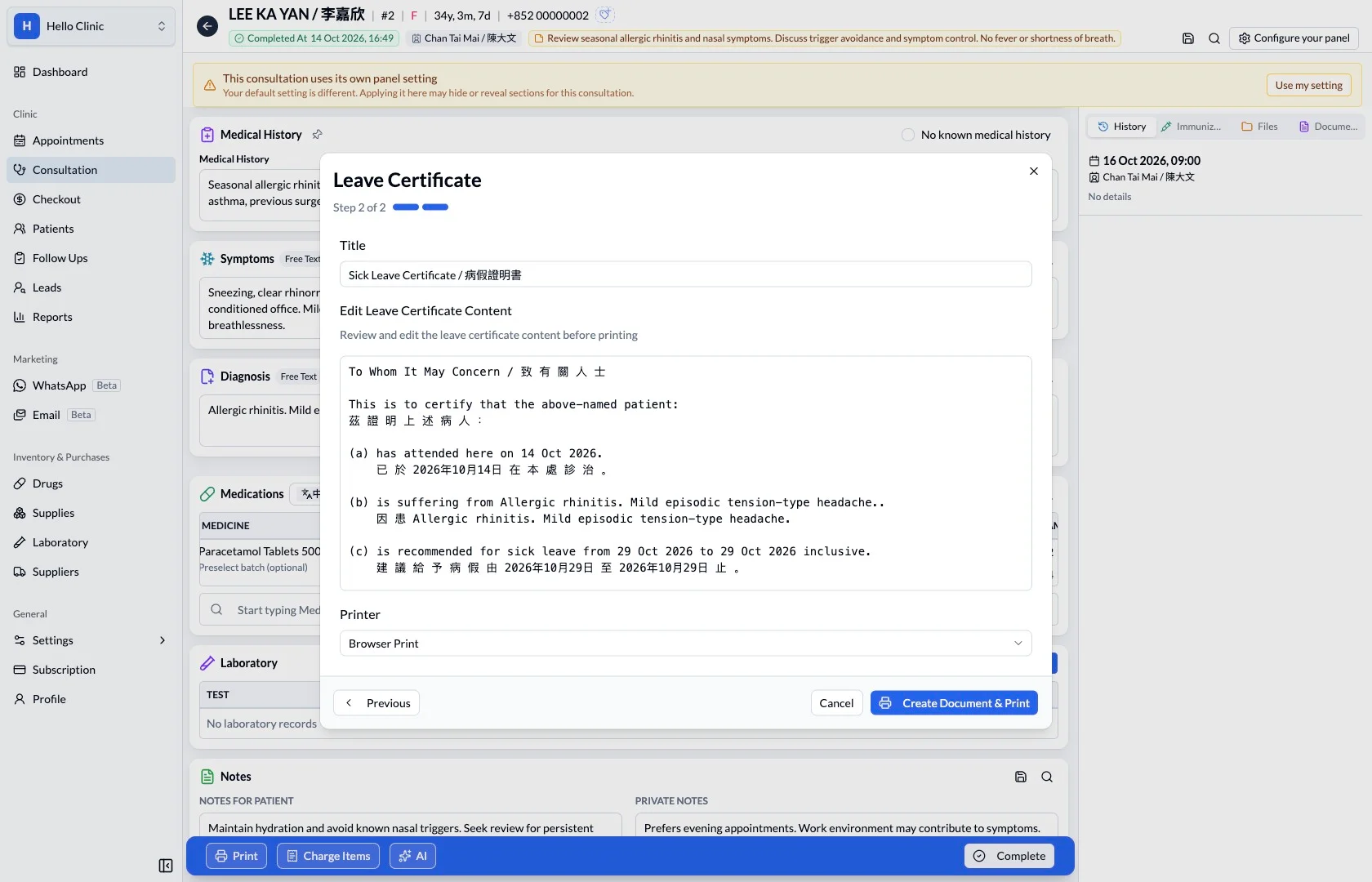
Read the actual wording before completion
The next step displays the document text for review. The doctor checks that the wording and dates match the intended arrangement, with the final content check taking place before the document is created.
- Review the name, dates and wording together.
- Return to correct details before completing the document.
How it fits the clinic day
Select the required document type.
Review the patient and visit details.
Check the finished document before use.
A consistent starting point.
Document entry points sit together under Print. This keeps routine clinical correspondence within the same workflow as the consultation record.
What this helps you do
- Document types
- Choose the relevant certificate, report or letter.
- Consultation context
- Begin from the visit whose information supports the document.
- Review before use
- Check patient details and document wording before issuing it.
Keep the next handover clear
Before completing a document, the doctor checks the patient, intended recipient, dates and relevant content. The clinic then creates, prints and hands over the document as required.