
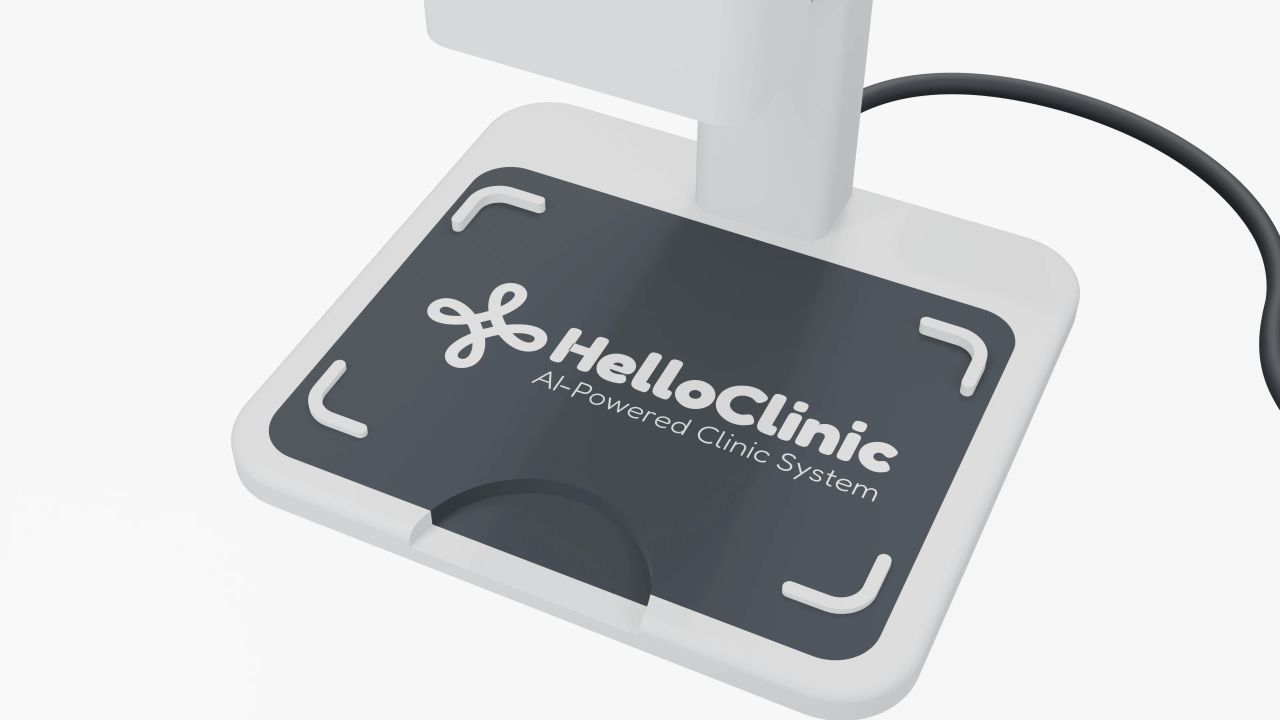
Card placement and removal
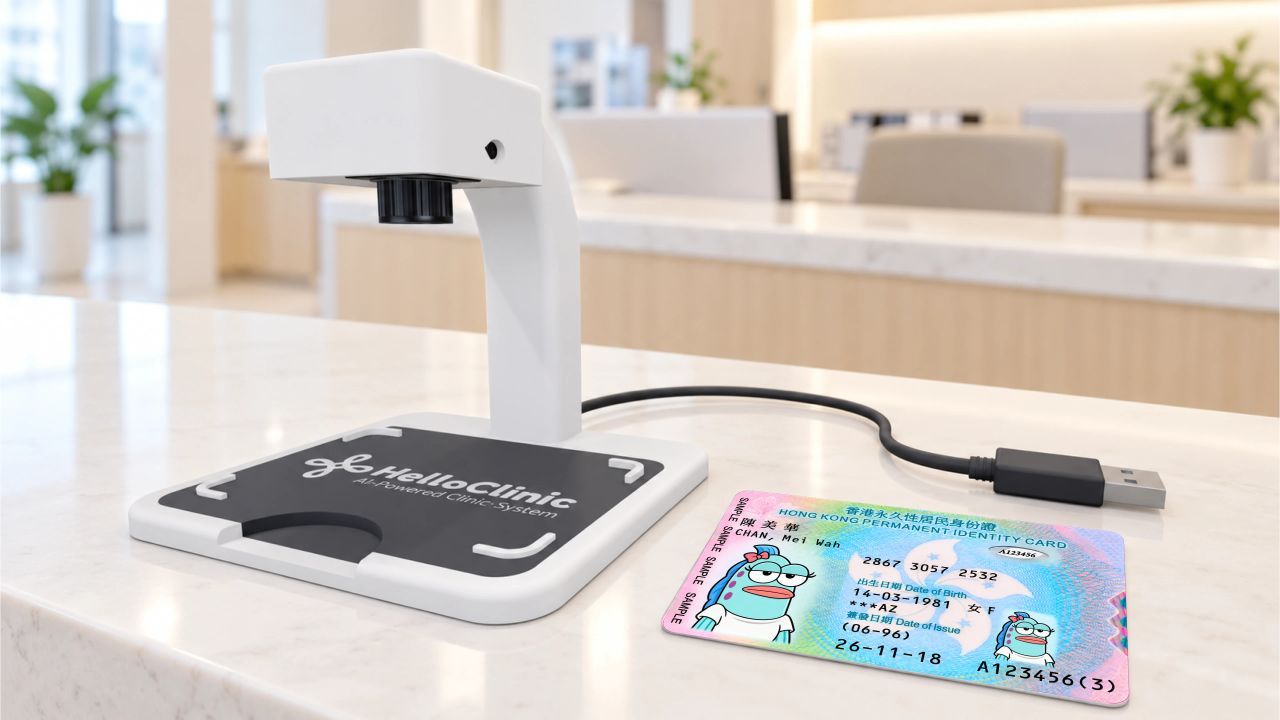
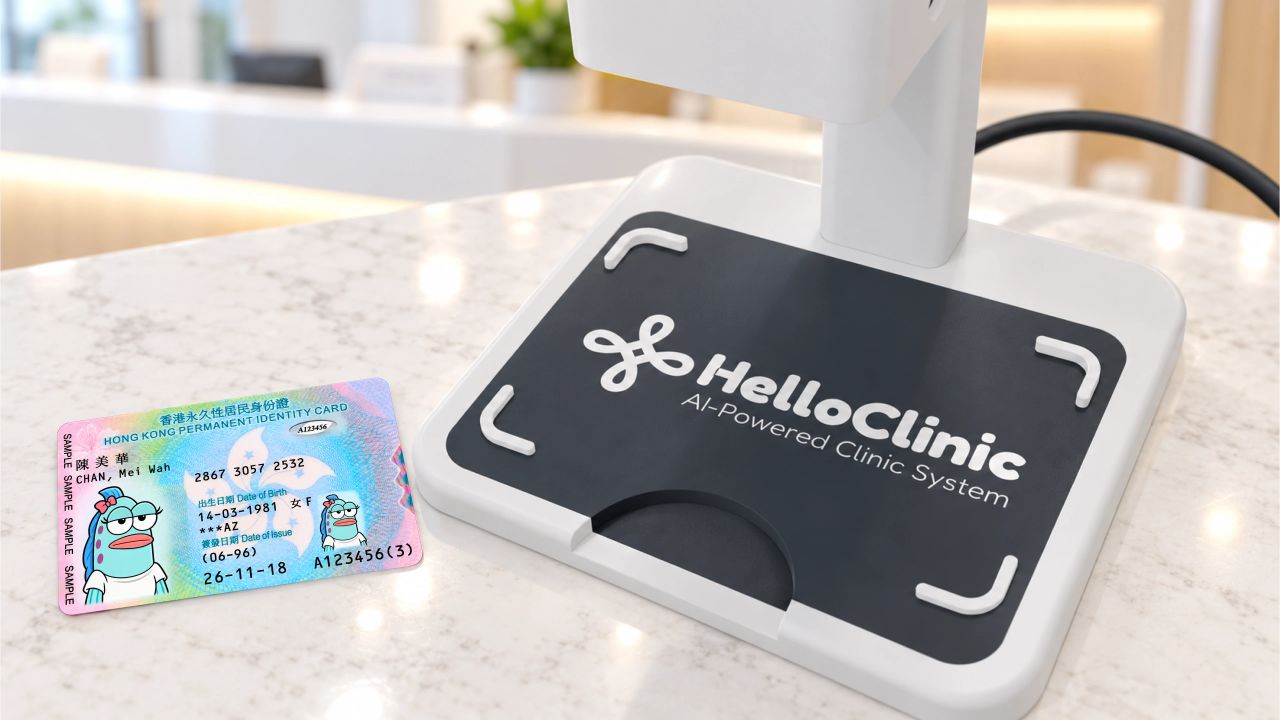
Corner guides mark the card placement area. The front cut-out makes it easy to lift the card after capture.
Built for clinic registration
Place your ID. Register with ease.
Place a Hong Kong identity card on the scanner and start a scan in HelloClinic to reduce manual entry. Review the details, then use them to register a new patient or find an existing record.
Requires a HelloClinic subscription.
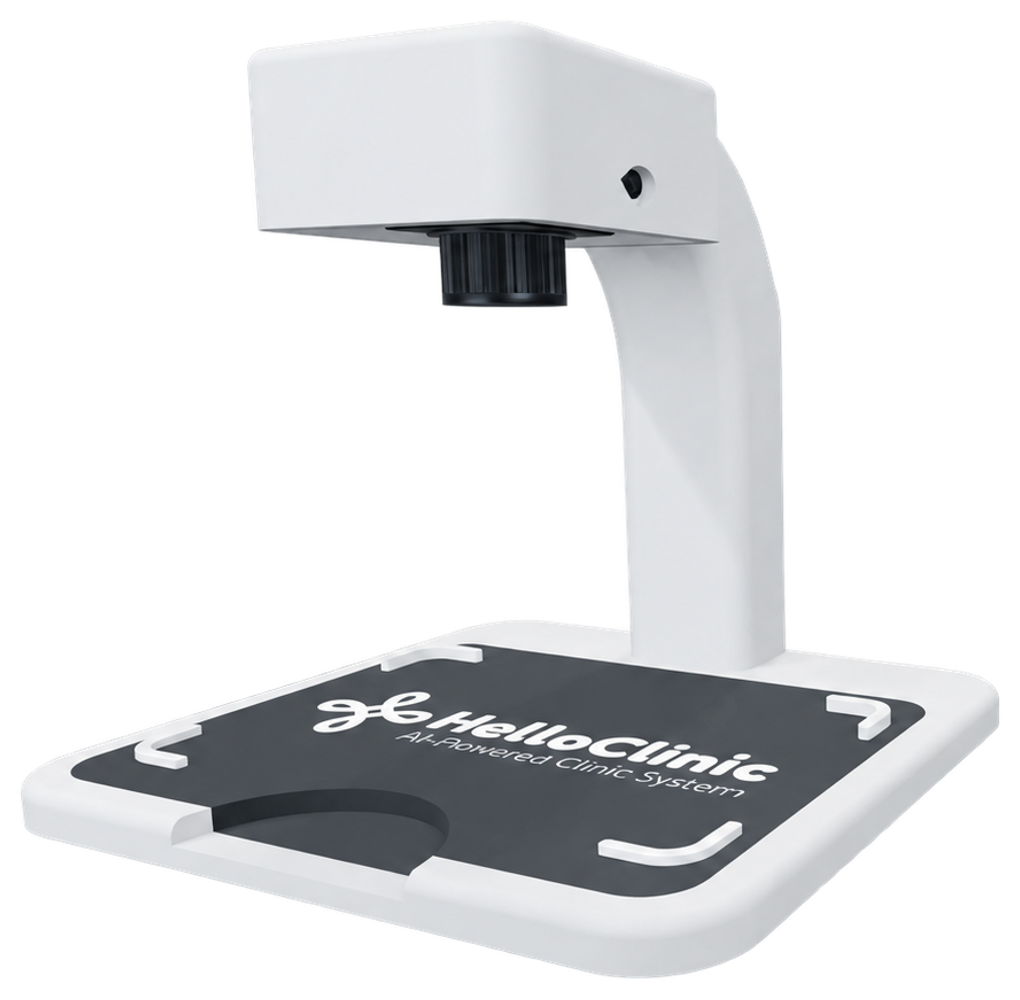
Place the card, scan it in HelloClinic, then review the details and patient matches before continuing registration.
Lay the Hong Kong identity card flat inside the marked placement area beneath the camera.
Open the HKID scan function in the HelloClinic appointment workflow to capture and read the printed details.
Check the extracted details and any suggested patient matches.
Confirm the patient record or complete the new patient form, then continue the appointment workflow.
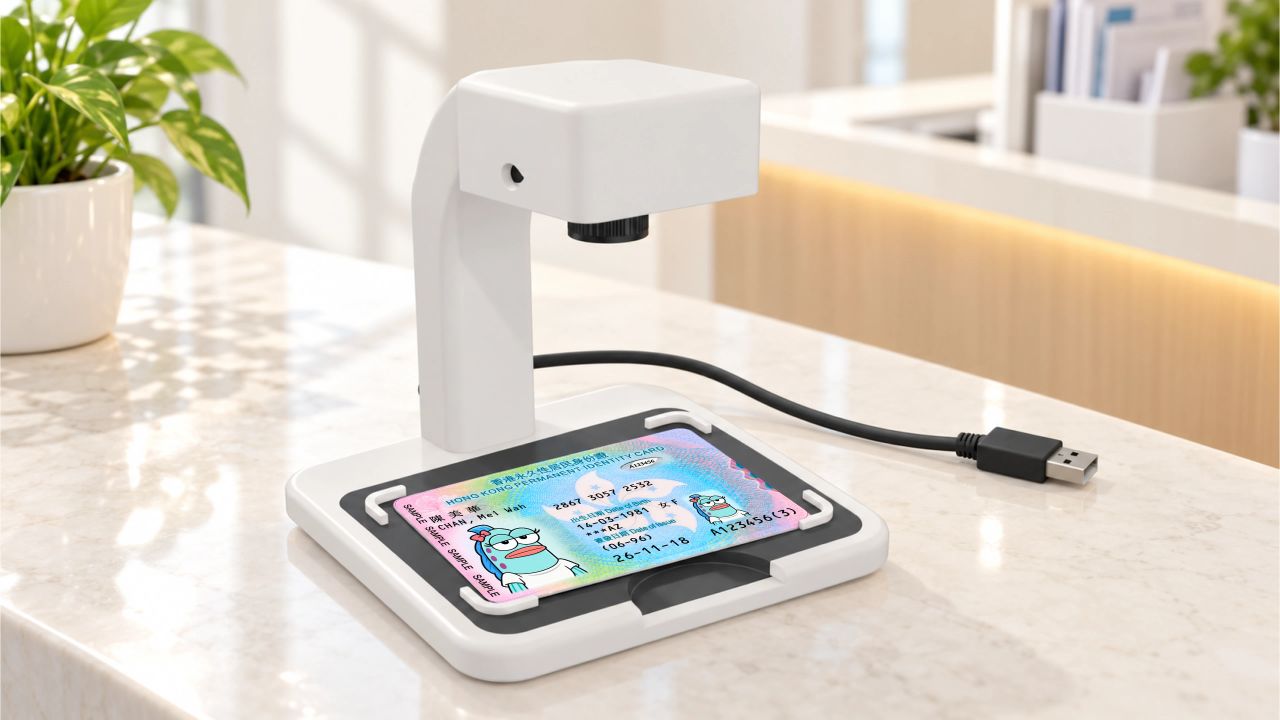
HelloClinic suggests the next step based on the matches. Staff confirm the patient and review the details before continuing.
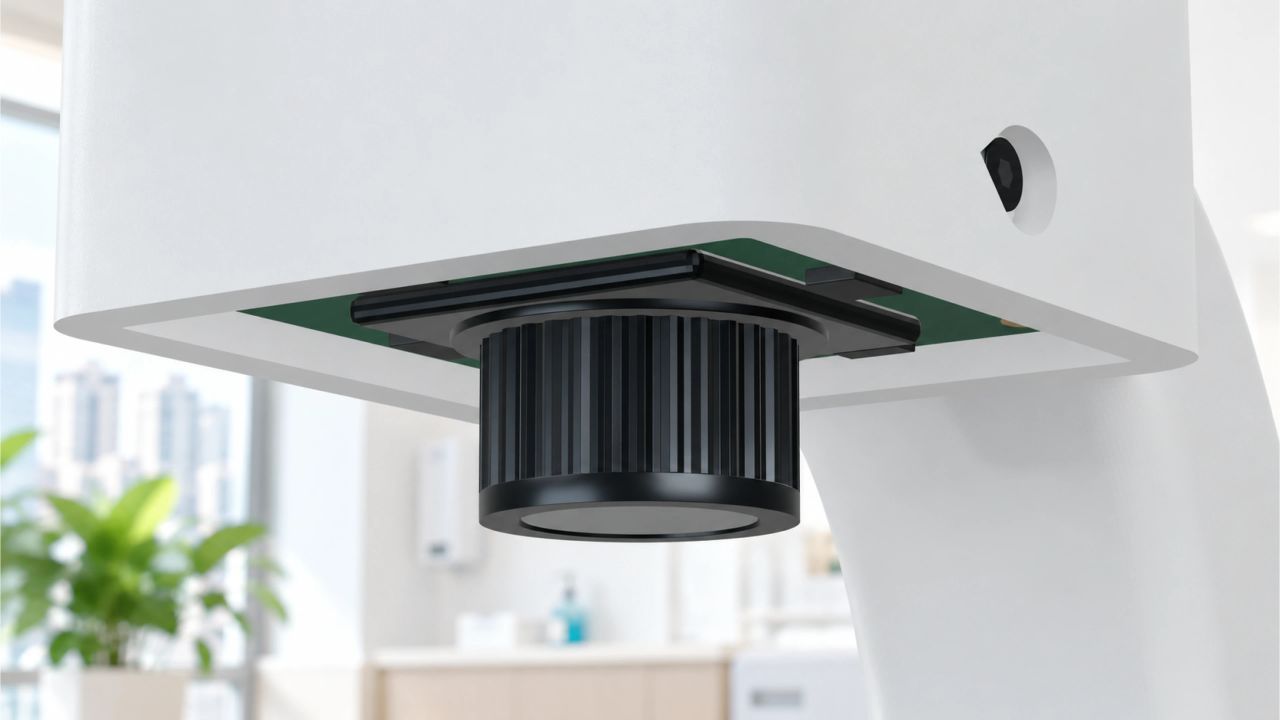
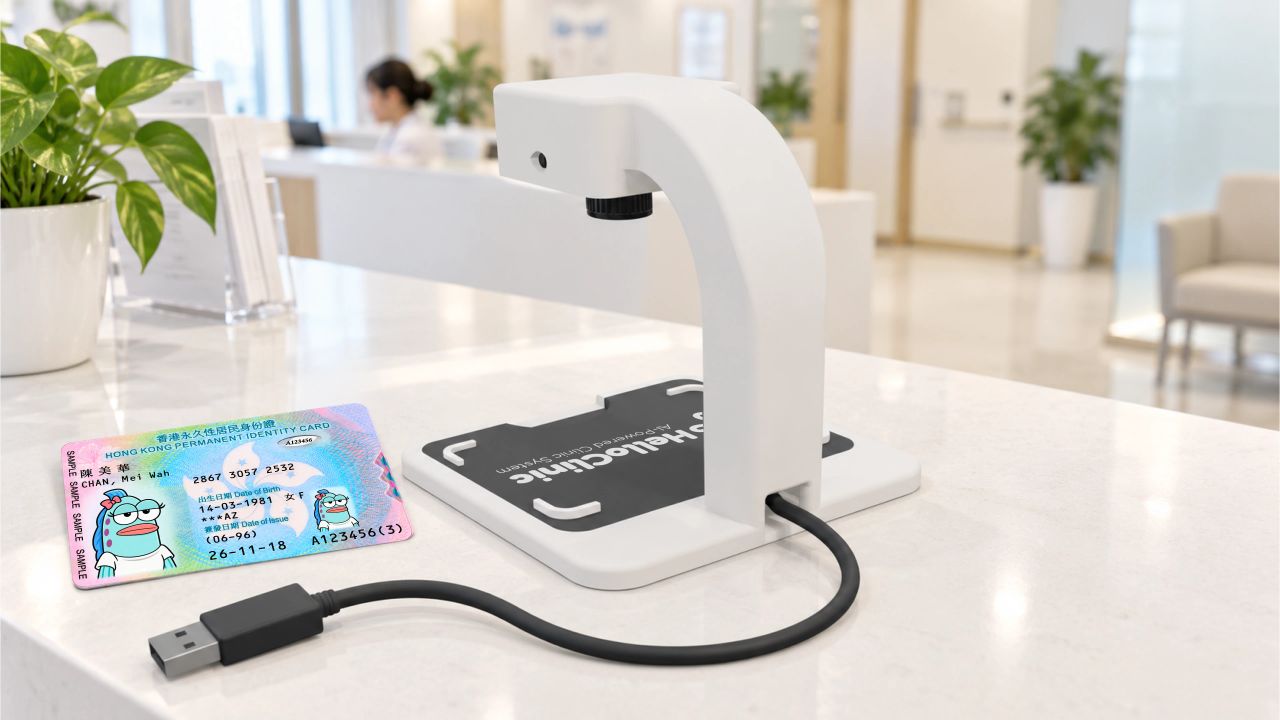
Explore the HKID scanning workflowA fixed camera and a defined card placement area provide a consistent setup for capturing each card.
Corner guides mark the card placement area. The front cut-out makes it easy to lift the card after capture.
Place the card beneath the camera and start the scan from HelloClinic, without holding a phone over the desk.
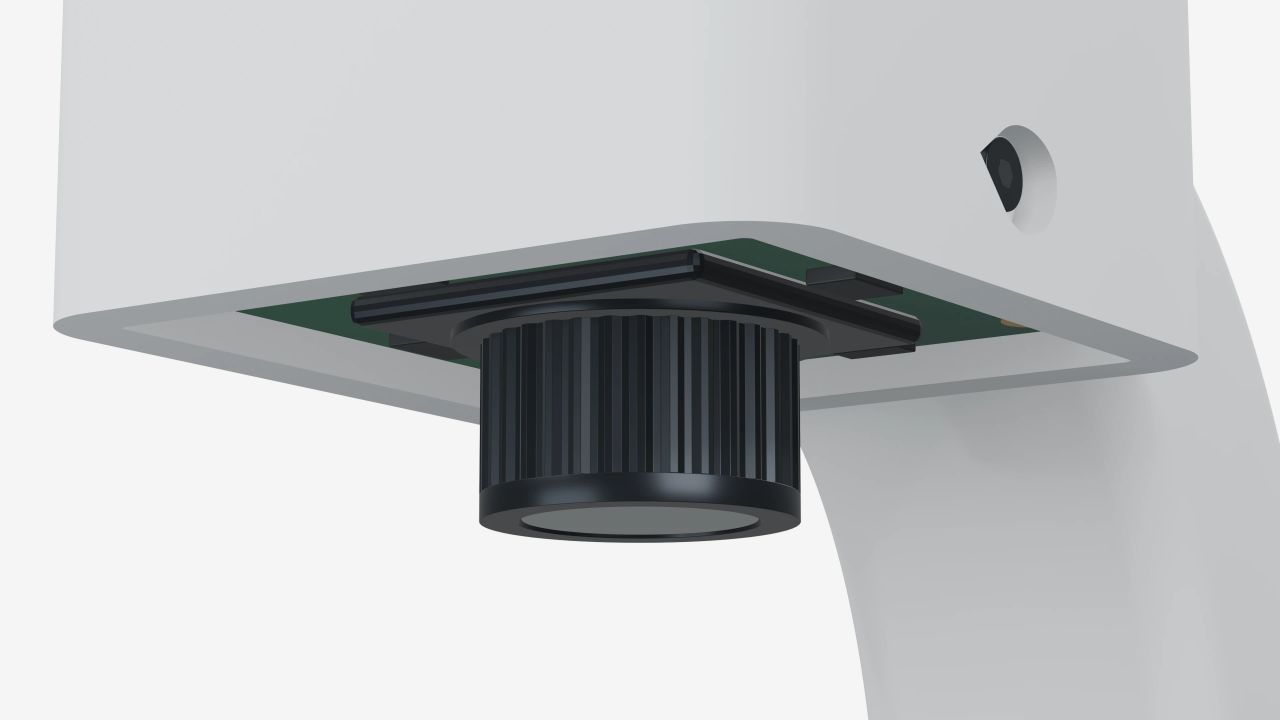
USB-powered hardware for a fixed card capture position at the front desk.
HKD$350per scanner
Shipping included
Includes a 1.5 m integrated, non-replaceable USB cable.
The workflow shown here is for Hong Kong identity cards. It reads printed details and does not authenticate identity documents. For other document types, confirm your requirements with our team before ordering.
Retake the photo, or continue registration with manual entry. Always verify the extracted details and selected patient record before use; recognition and matching are not guaranteed to be accurate on every attempt.
During a demo, we can review your front desk computer, USB connection, camera permissions and browser environment, together with the way your team registers patients. Confirm the supported requirements before ordering; third-party computer setup and on-site service are not included unless agreed in writing.
Except where required by law, where we cannot fulfil delivery, or where we agree otherwise in writing, change-of-mind returns, duplicate purchases and unsuitable selections despite accurately disclosed requirements are not refundable. Faults are assessed under the warranty, without affecting statutory rights. Read the Terms of Service and Refund Policy before ordering.
The 3-month warranty from receipt covers faults not caused by user damage, with one-for-one replacement and warranty replacement shipping included. Contact the original ordering channel or supp@helloclinic.io with proof of purchase and a fault description before sending the unit; inspection may be required. Damage caused by dropping, liquid ingress, improper power, cable pulling or unauthorized modification is excluded. A replacement carries the original warranty's remaining period, subject to statutory rights.
No. An active HelloClinic subscription is required and charged separately; OCR recognition has no additional charge under the current offer. Subscription expiry does not by itself cancel an unexpired hardware warranty, and does not by itself create a right to return otherwise conforming hardware.