
AI Consultation Assistant
A reference point beside the clinical record.
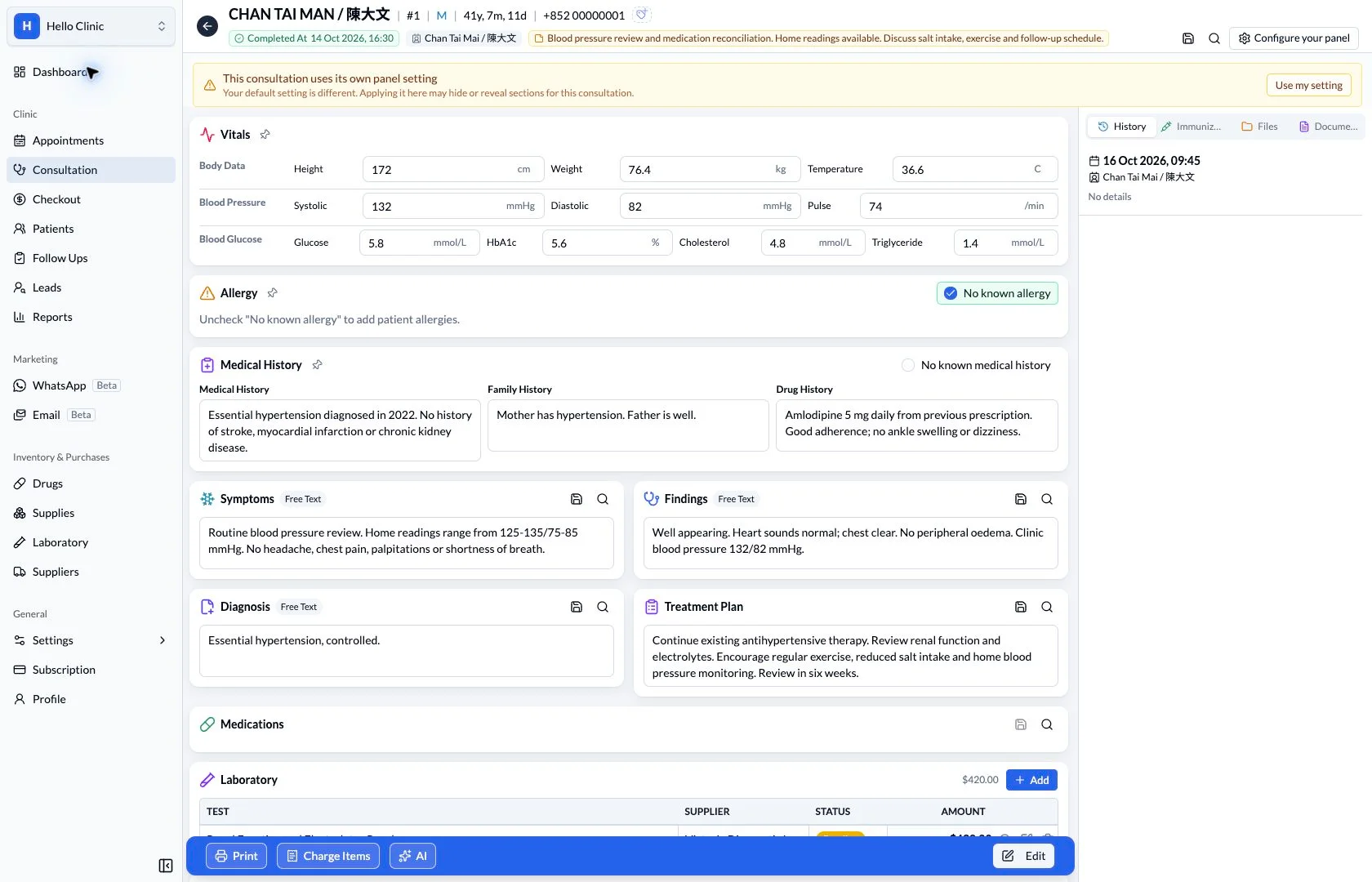
Open the AI assistant within the consultation workspace to ask questions and access symptom-analysis or treatment-plan prompts.
Consultations & clinical tools
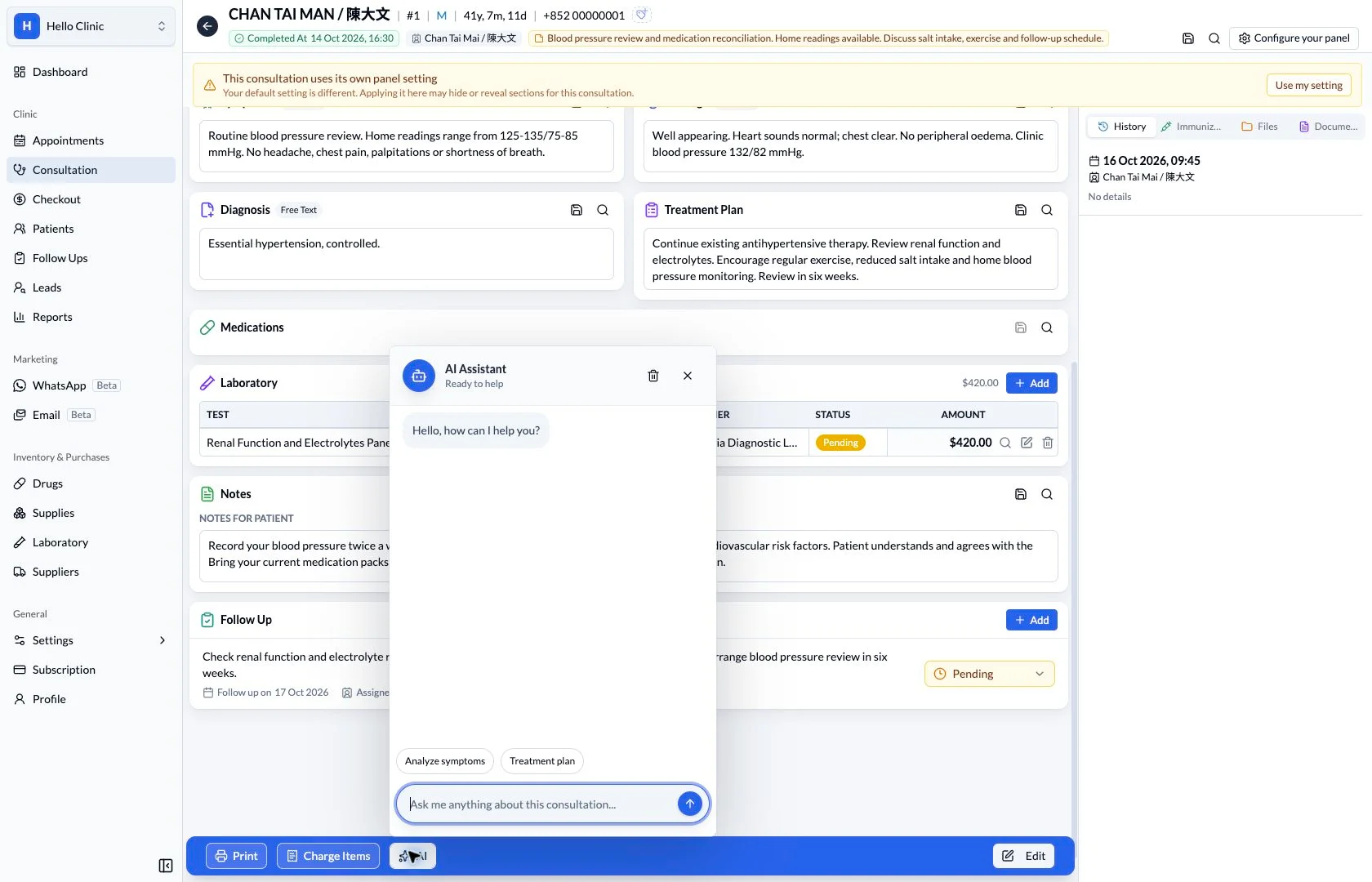
Ask a focused question, then review the response
While reviewing a record, a clinician may want to organise existing information or identify what still needs checking before a return visit. The AI assistant provides a reference point beside the consultation. Clear context and scope make its response easier to compare with the source record.
- Doctor
- Provide context and judge whether the response fits the patient.
- Clinic team
- Act on the record and follow-up plan confirmed by the clinician.
Specify which information you want organised
Start with a bounded question about the consultation, such as organising the patient background, planned investigations and outstanding follow-ups. When a question relies on a specific prescription or other detail, explicitly provide and verify that context.
- Focus on one clinical information task at a time.
- State whether you want a record summary or a review of specified information.
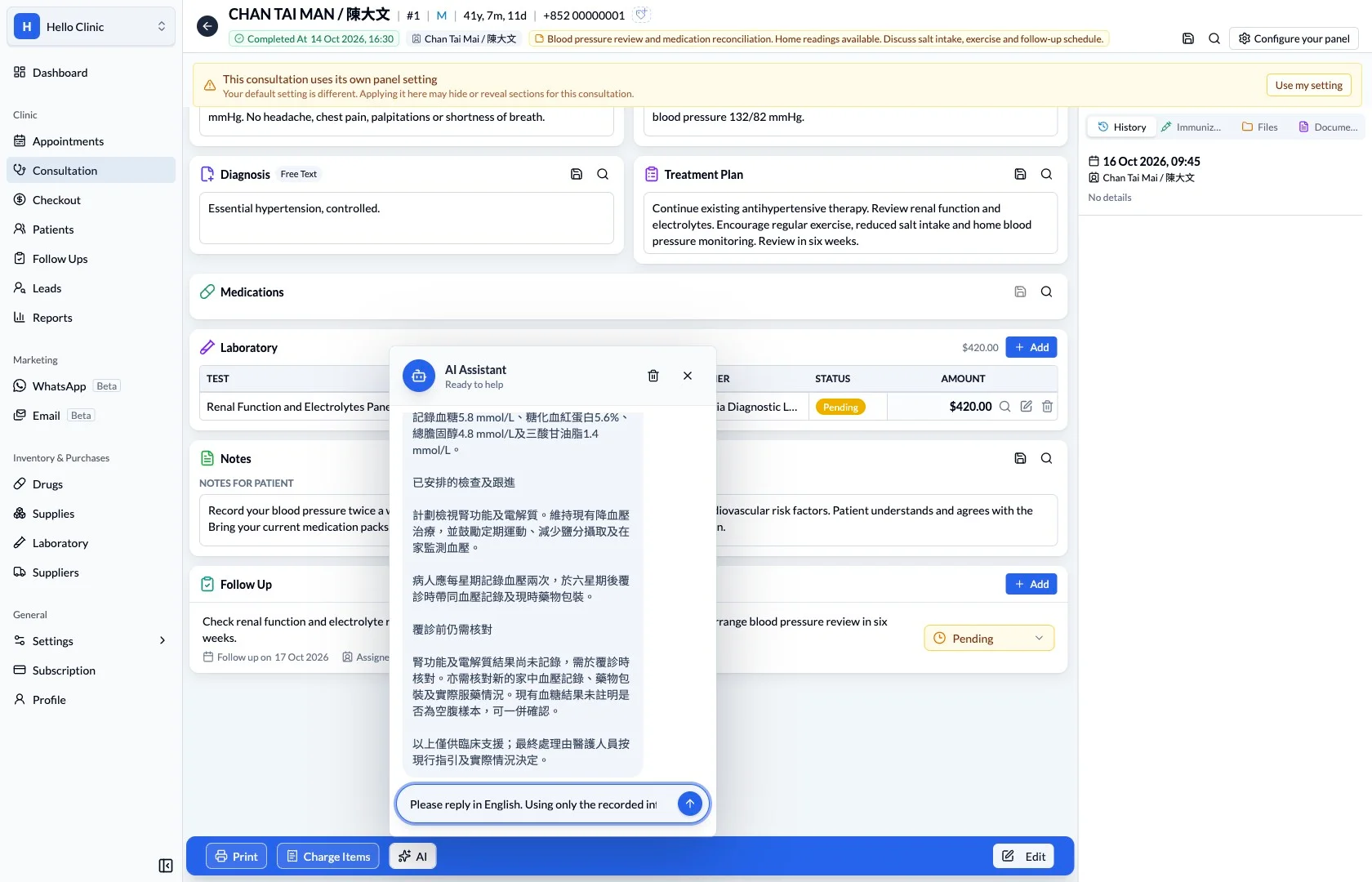
Compare each part of the response with the record
The response can help organise patient context, investigations and follow-up information into a readable summary. The clinician still needs to check the source record, looking for missing context or statements that treat unconfirmed information as established fact.
- Check values, dates and medication details against the record.
- Return to the source or confirm with the patient when information is incomplete.
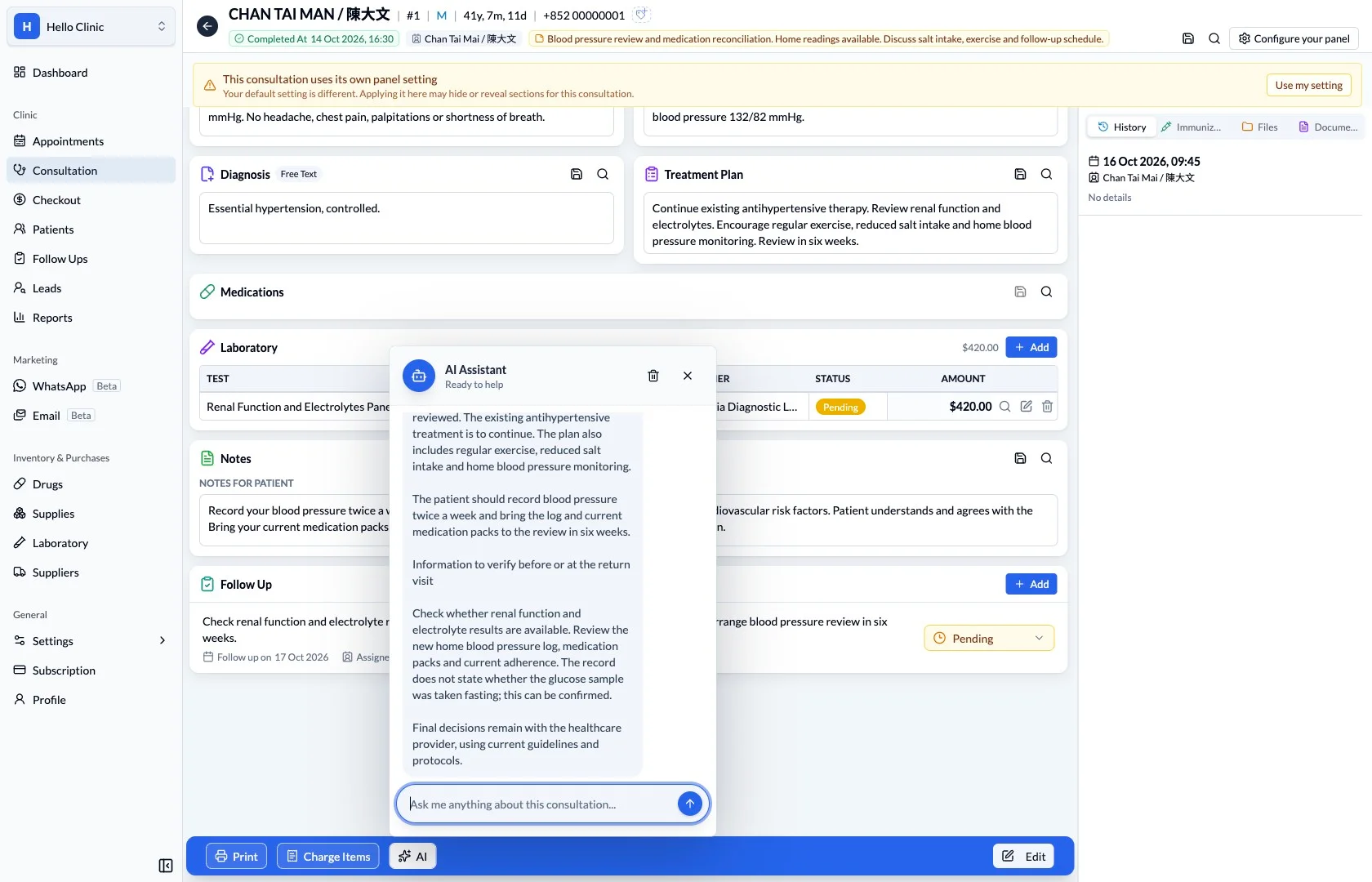
Turn reviewed information into the clinician’s plan
The team works from the clinical record, patient notes and follow-ups confirmed by the clinician. Put reviewed information into the appropriate part of the workflow so colleagues can continue with a clear task, date and owner.
- Do not treat unverified reference text as a diagnosis or order.
- Record continuing work in the follow-up workflow.
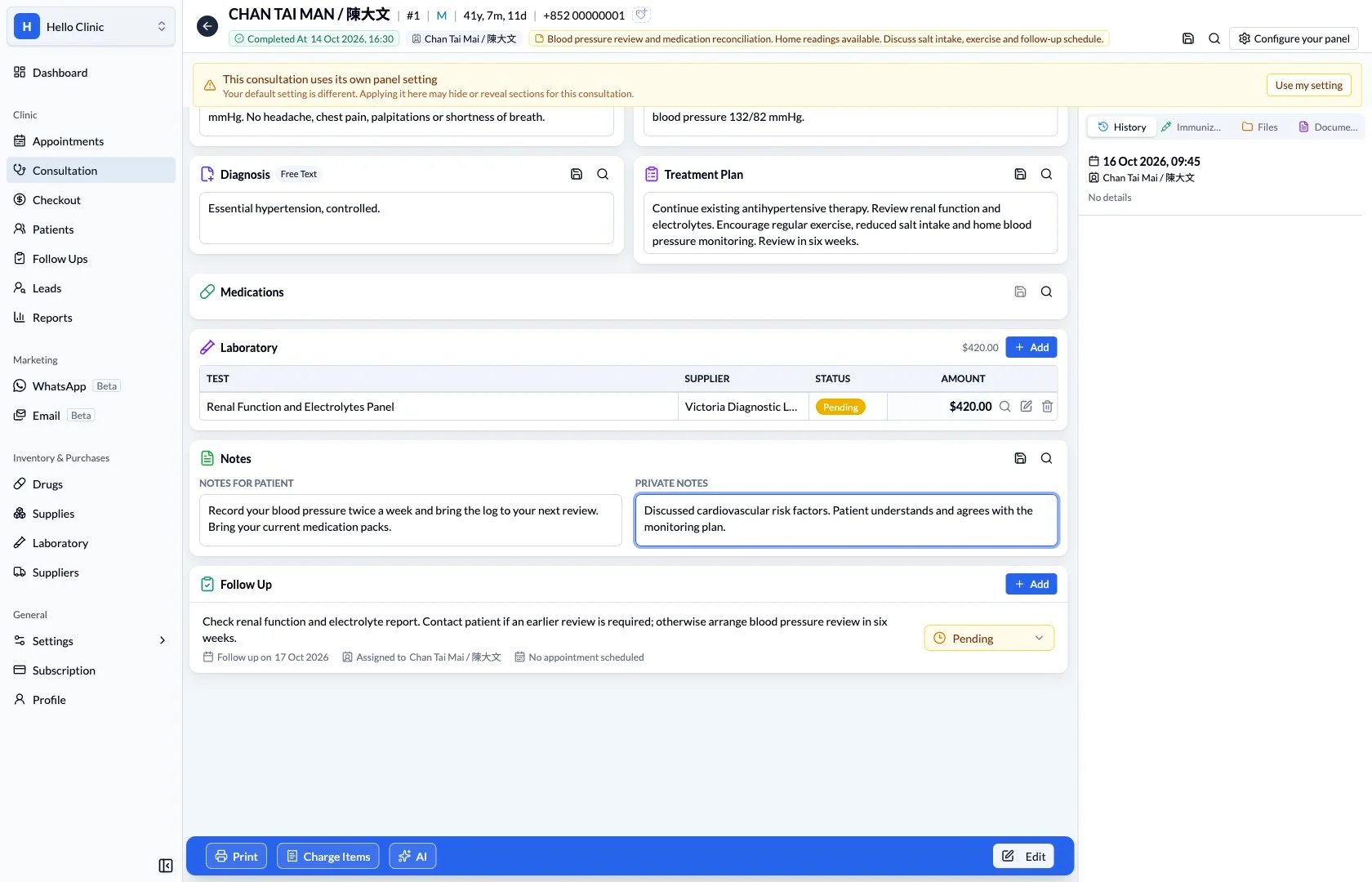
A deliberate review
Review the available patient information.
Ask a focused question.
Verify the response before making a clinical decision.
The clinician keeps the final judgement.
AI output is reference material. It requires professional review and does not independently establish a diagnosis, treatment decision or medication order.
What this helps you do
- Alongside the visit
- Keep the consultation visible while opening the assistant.
- Starting prompts
- Use the displayed symptom-analysis and treatment-plan entry points.
- Clinician review
- Independently check any response against the patient’s actual situation.
Keep the next handover clear
A useful response still returns to the clinical workflow for review. The clinician decides what applies before documenting care or arranging follow-up. An AI conversation is not a completed clinical order and does not replace professional judgement.