
Post-consultation Follow-ups
Turn the next step into visible work.
Review follow-up dates, owners, status and linked appointments in a dedicated workspace, with filters for today, upcoming and past work.
Continuity of care
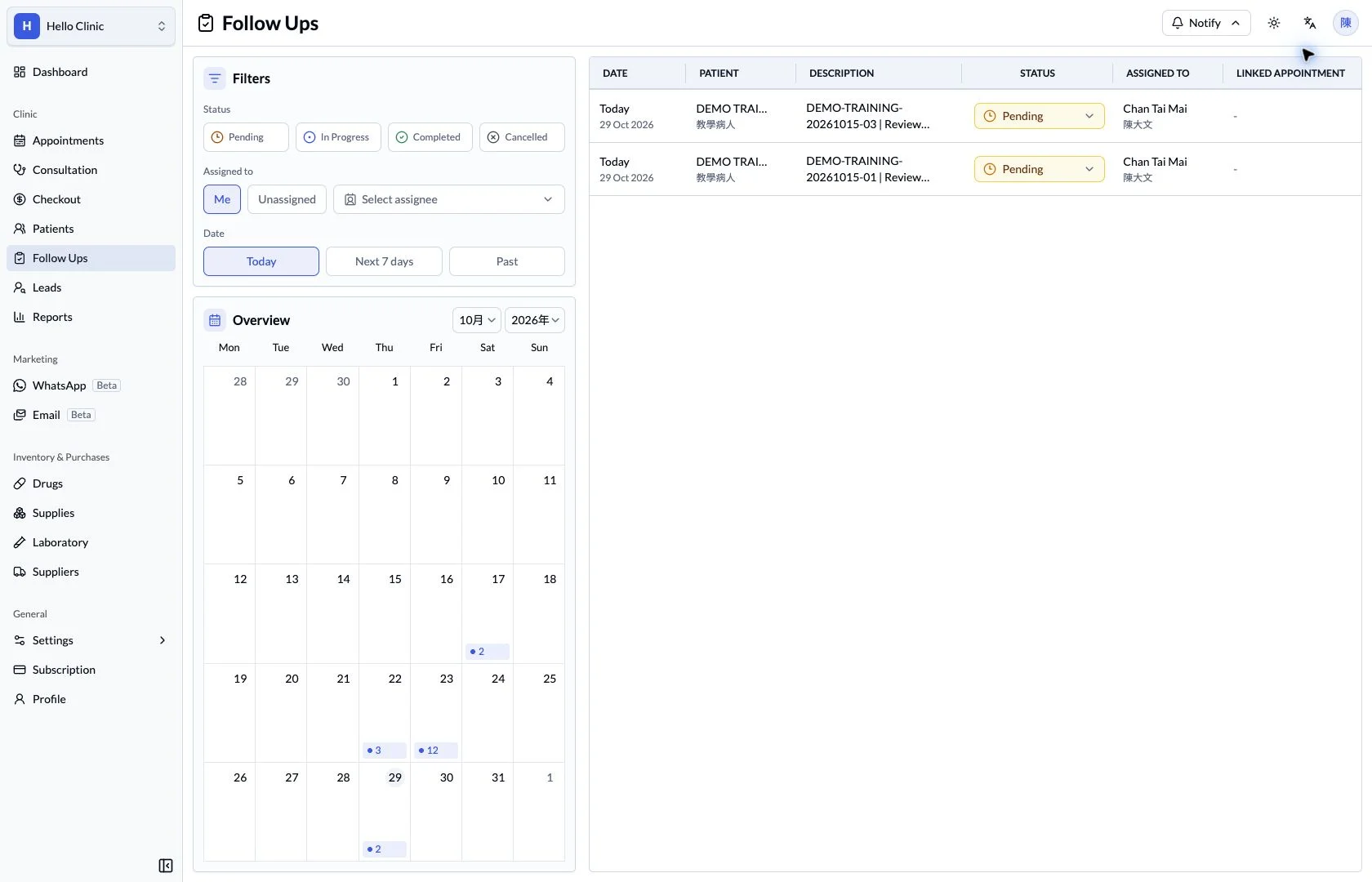
Give post-visit tasks a clear place to land
Calls, return-visit arrangements and result checks often happen after the patient leaves. Follow-up tasks bring the work, date, assignee and status together so there is something concrete to review at handover.
- Clinical staff
- State the purpose and information that needs checking.
- Assigned colleague
- Handle the task and update its status.
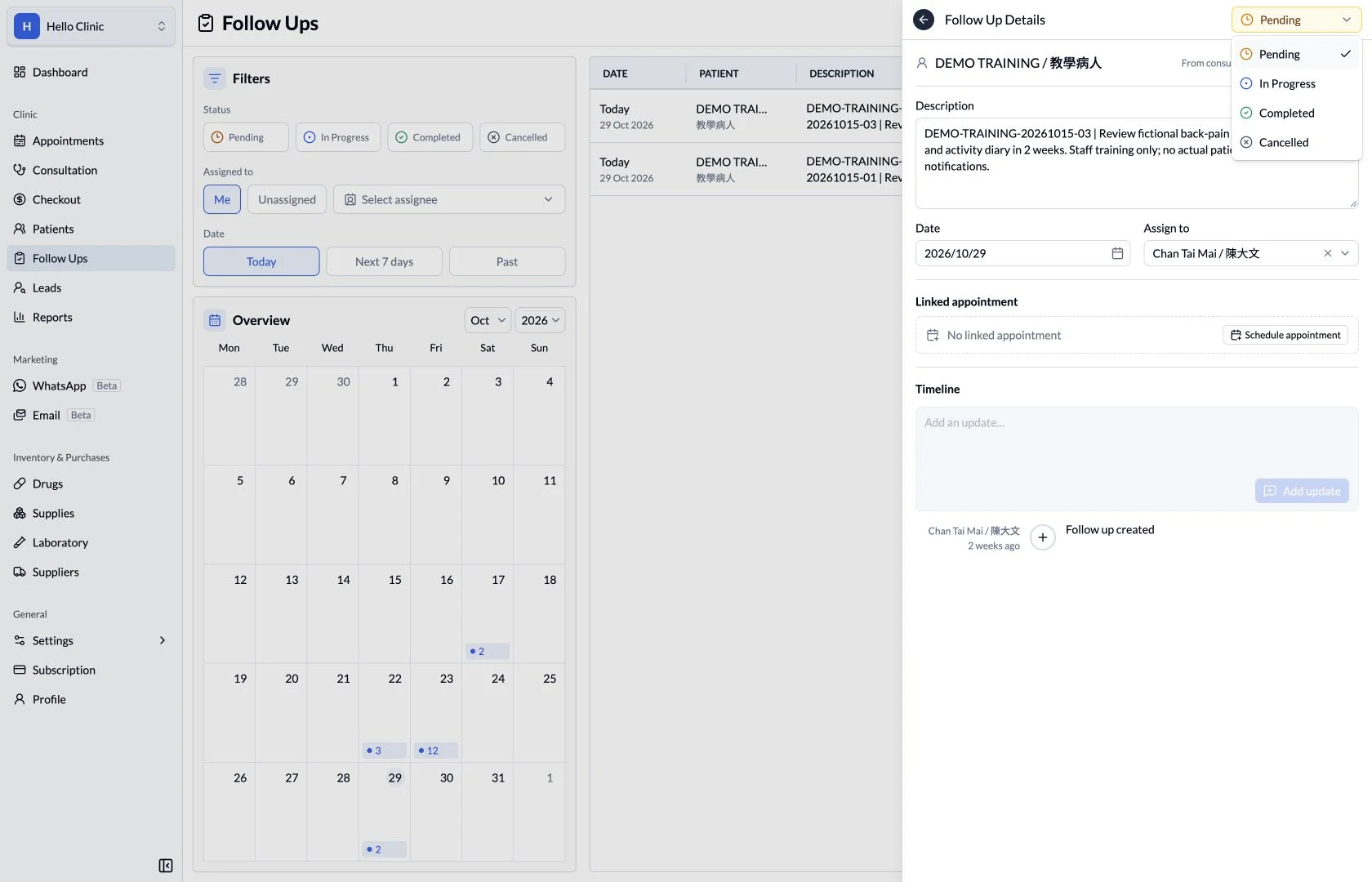
Describe the work clearly
Follow-up details keep the task content and date together. State the purpose of contact, the information to confirm and the expected next action so the colleague taking over has enough context to proceed.
- Write an actionable task rather than a vague reminder.
- Check the patient, date and relevant context.
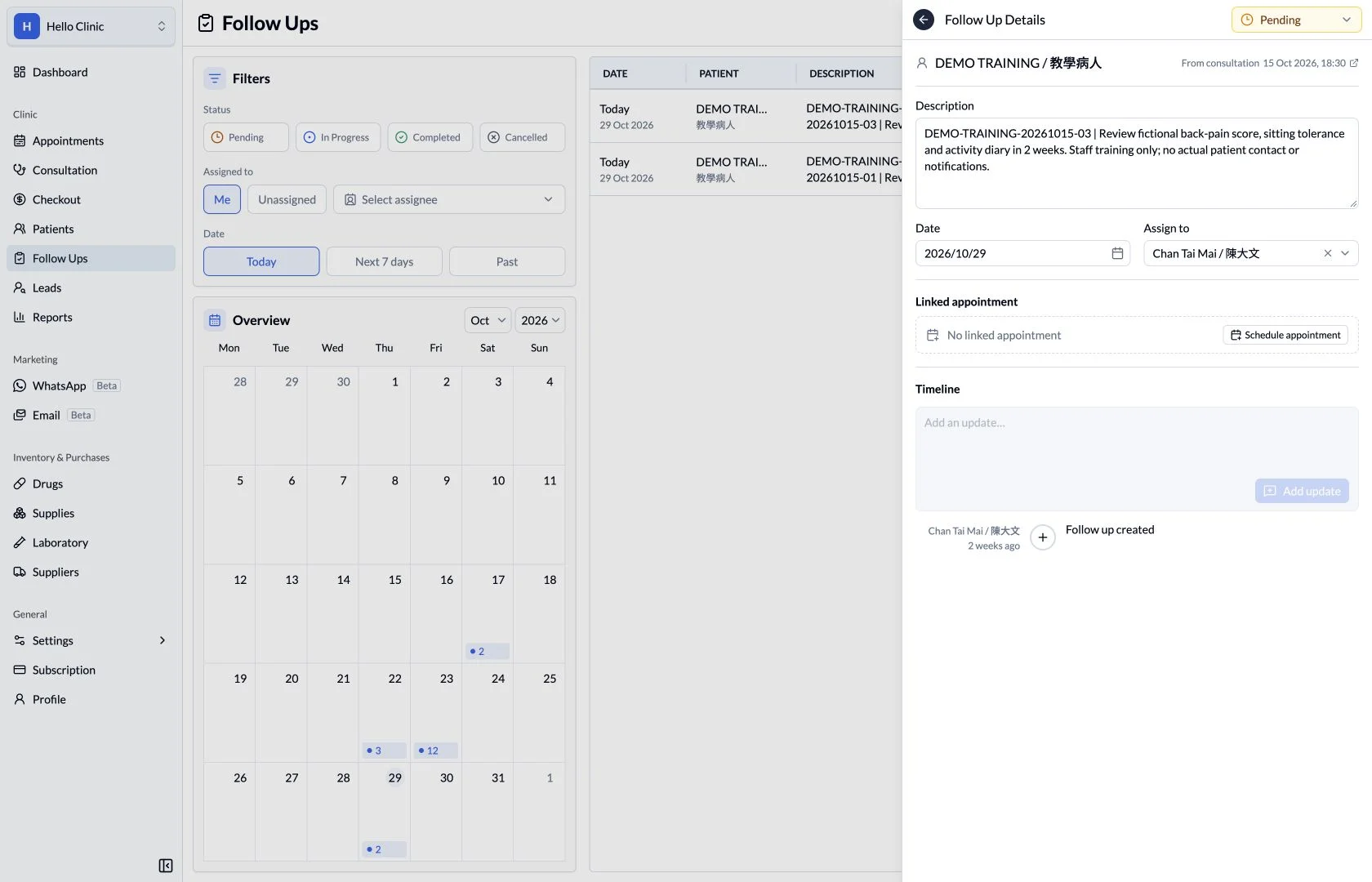
Give the task an assignee
The assignee selector lets the clinic direct the task to an appropriate team member. A named colleague makes handovers clearer and helps avoid assumptions that someone else has already dealt with the work.
- Choose the assignee according to the actual division of work.
- Confirm that the colleague has the context needed.
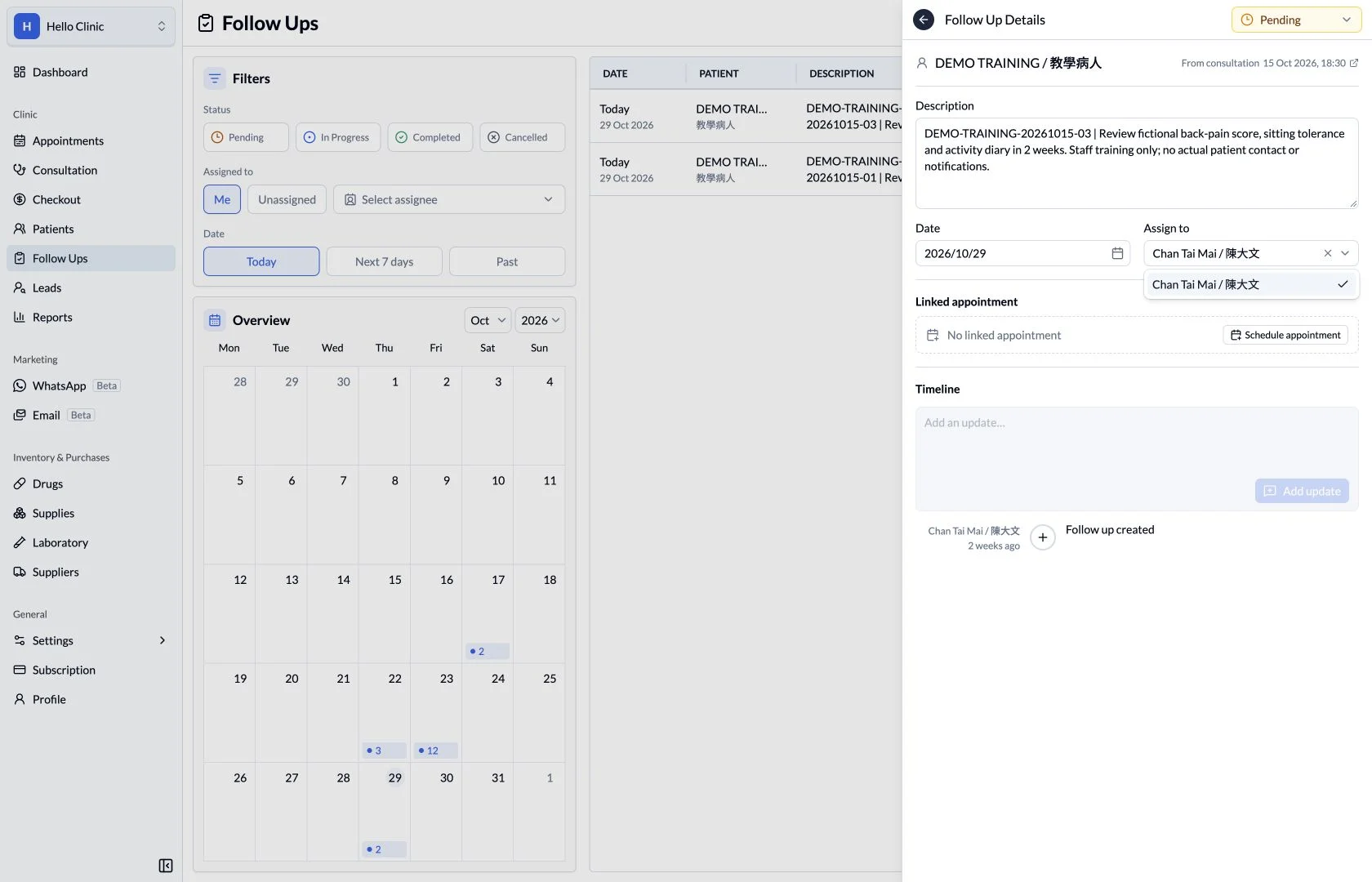
Make progress visible through status
Pending, in-progress, completed and cancelled states show where a task currently stands. Updating the status after handling the work helps the next shift focus on items that still require action.
- Distinguish completed work from cancelled work.
- Review the task content as well as its status.
How it fits the clinic day
Record the follow-up and its date.
Assign responsibility.
Review progress and the next appointment.
What this helps you do
Date
See what is due today and what needs attention next.
Owner
Review assigned, unassigned or personal follow-up work.
Progress
Distinguish pending, in-progress, completed and cancelled items.
Care continues after the consultation.
Follow-up work can include reviewing a result or arranging a return visit. A shared list keeps the intended next step visible to the responsible team member.
Keep the next handover clear
After handling the contact or arrangement, update the task status and retain useful context for the next colleague. Outstanding work can be reviewed at the next handover without relying on individual memory.