
Patient Timeline
Read the patient journey in order.
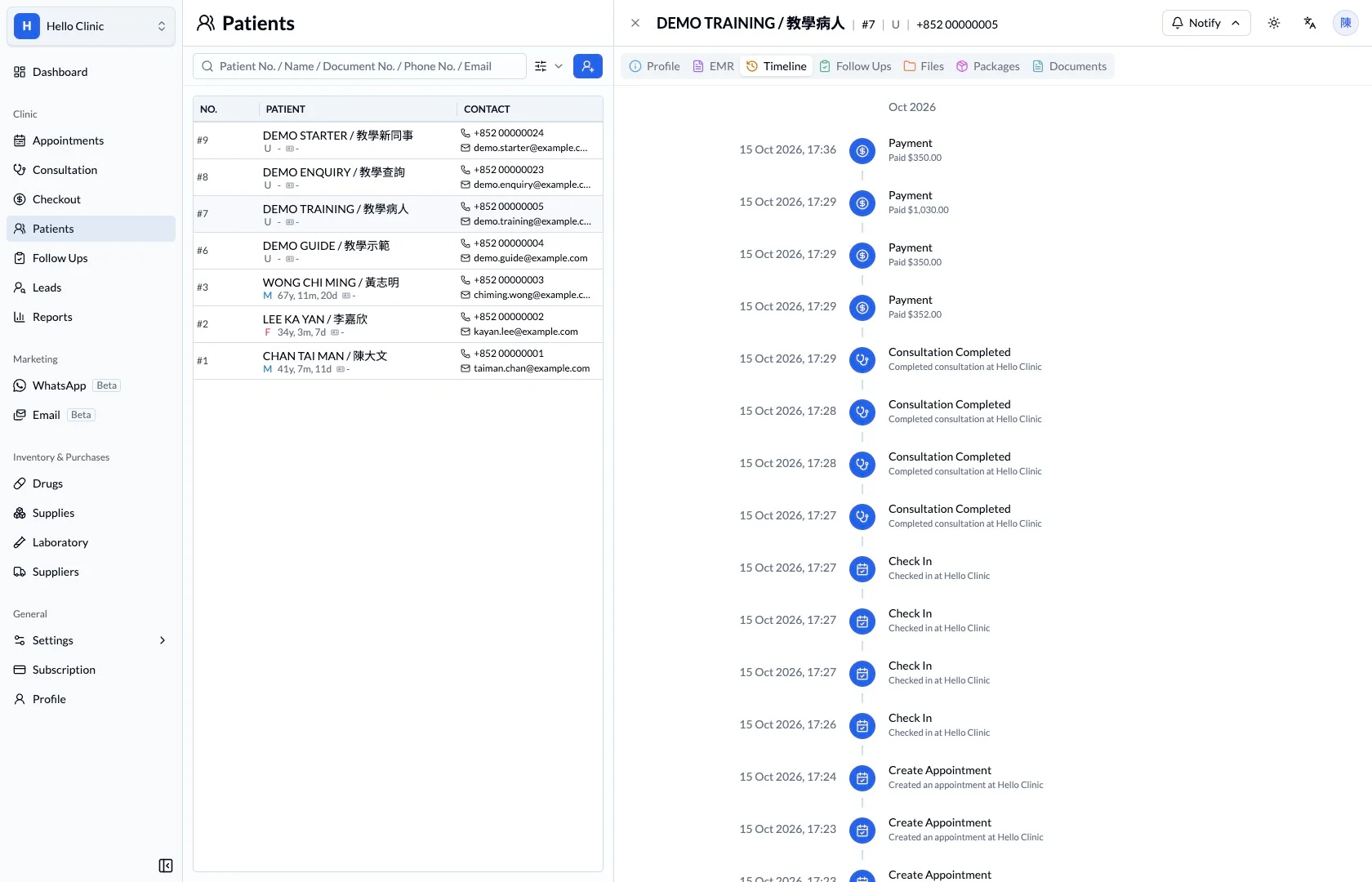
Review recorded patient events chronologically, including patient creation, appointment creation, check-in and consultation completion.
Continuity of care
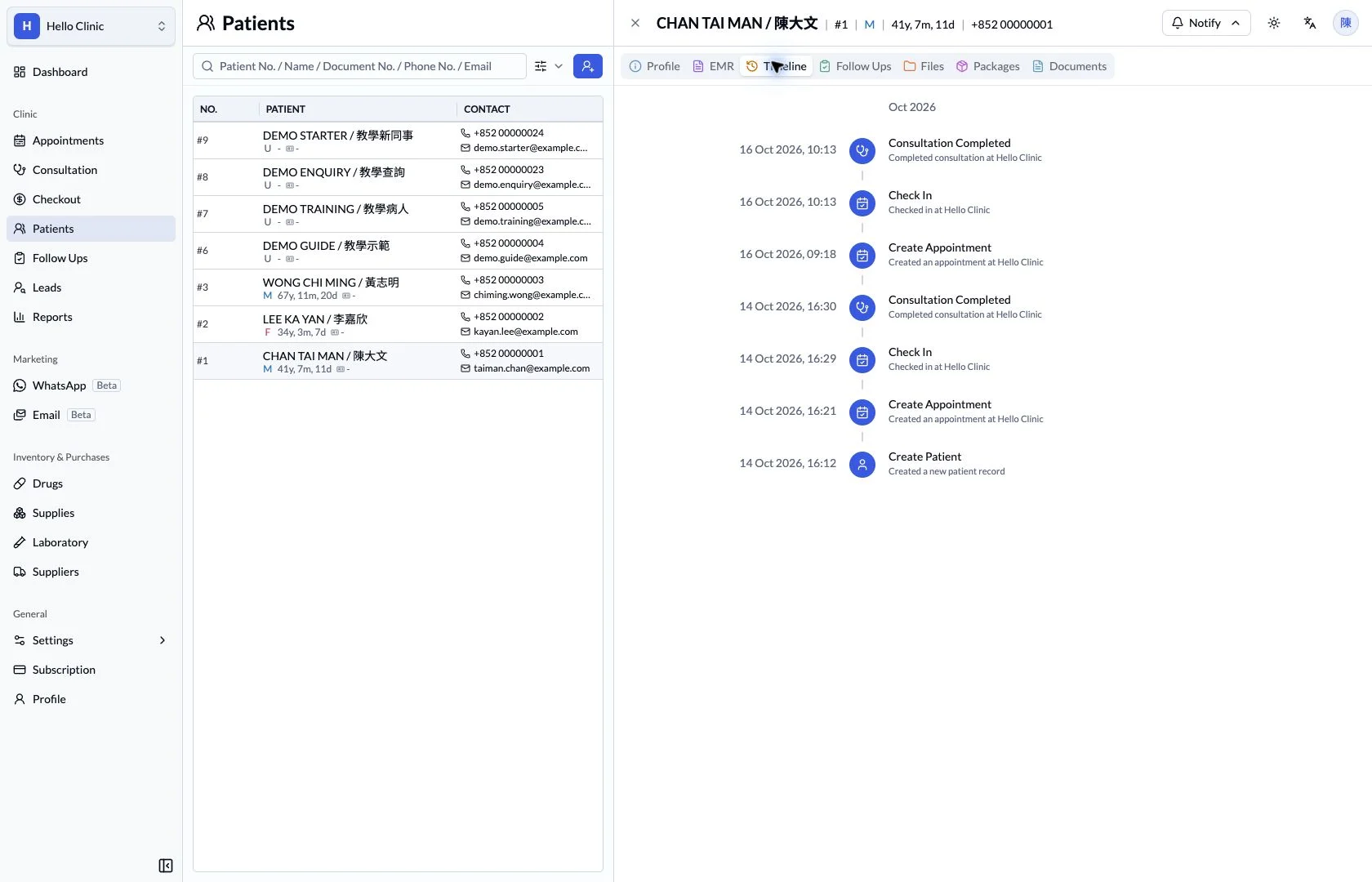
Put care events back into the patient’s chronology
Different colleagues may handle a patient’s visits, documents and later arrangements. A chronological view helps the team establish what happened first, then locate the detailed records needed for the current task.
- Reception and assistants
- Locate relevant visits and later events.
- Clinical staff
- Review clinical records in their event context.
Start with the recent sequence of events
The timeline orders patient events chronologically, providing context before a call or return visit. Staff can identify the relevant date and avoid mixing arrangements from separate visits.
- Use dates to understand the sequence.
- Locate the event before reviewing its detail.
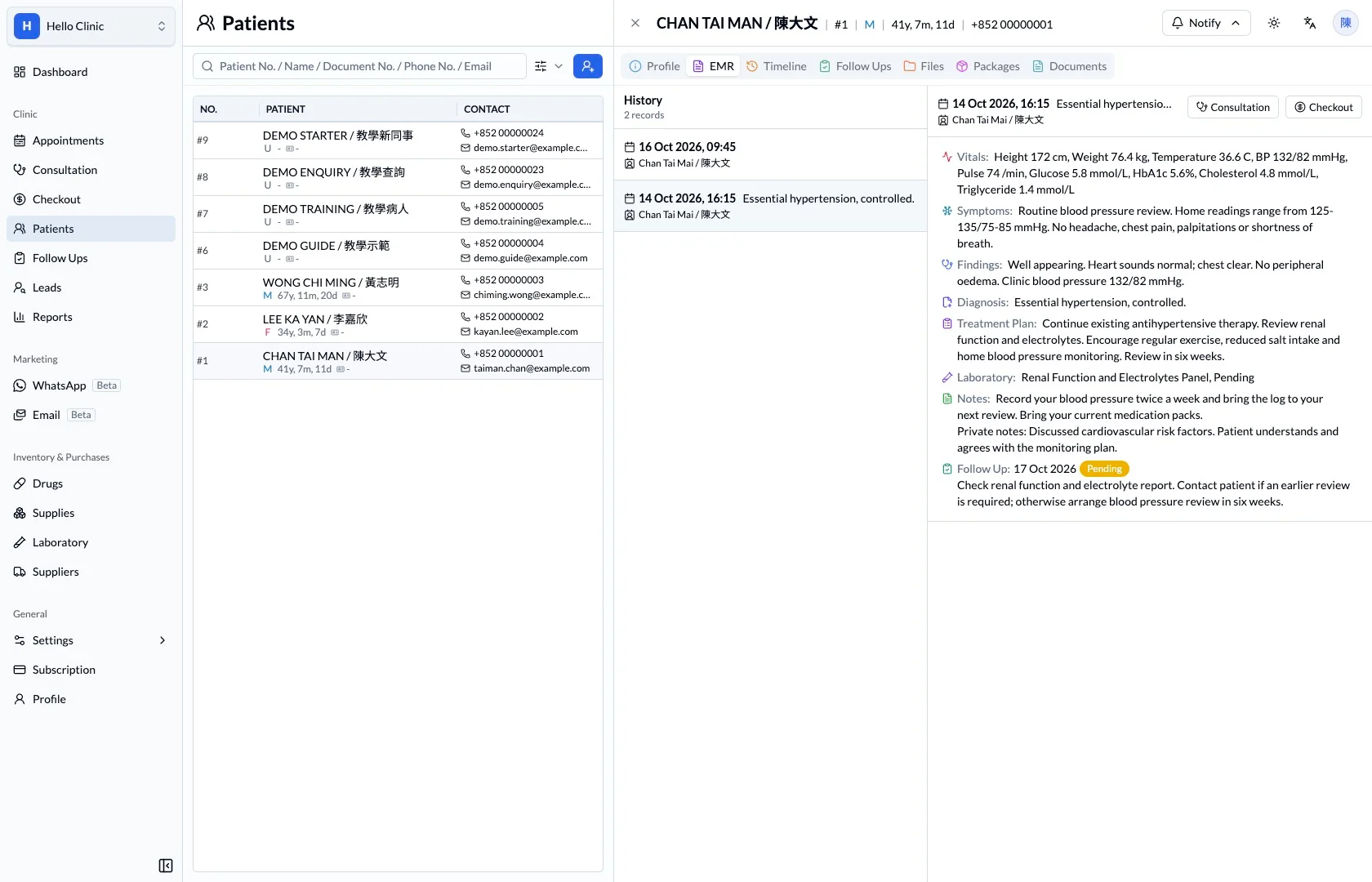
Return to the visit for clinical detail
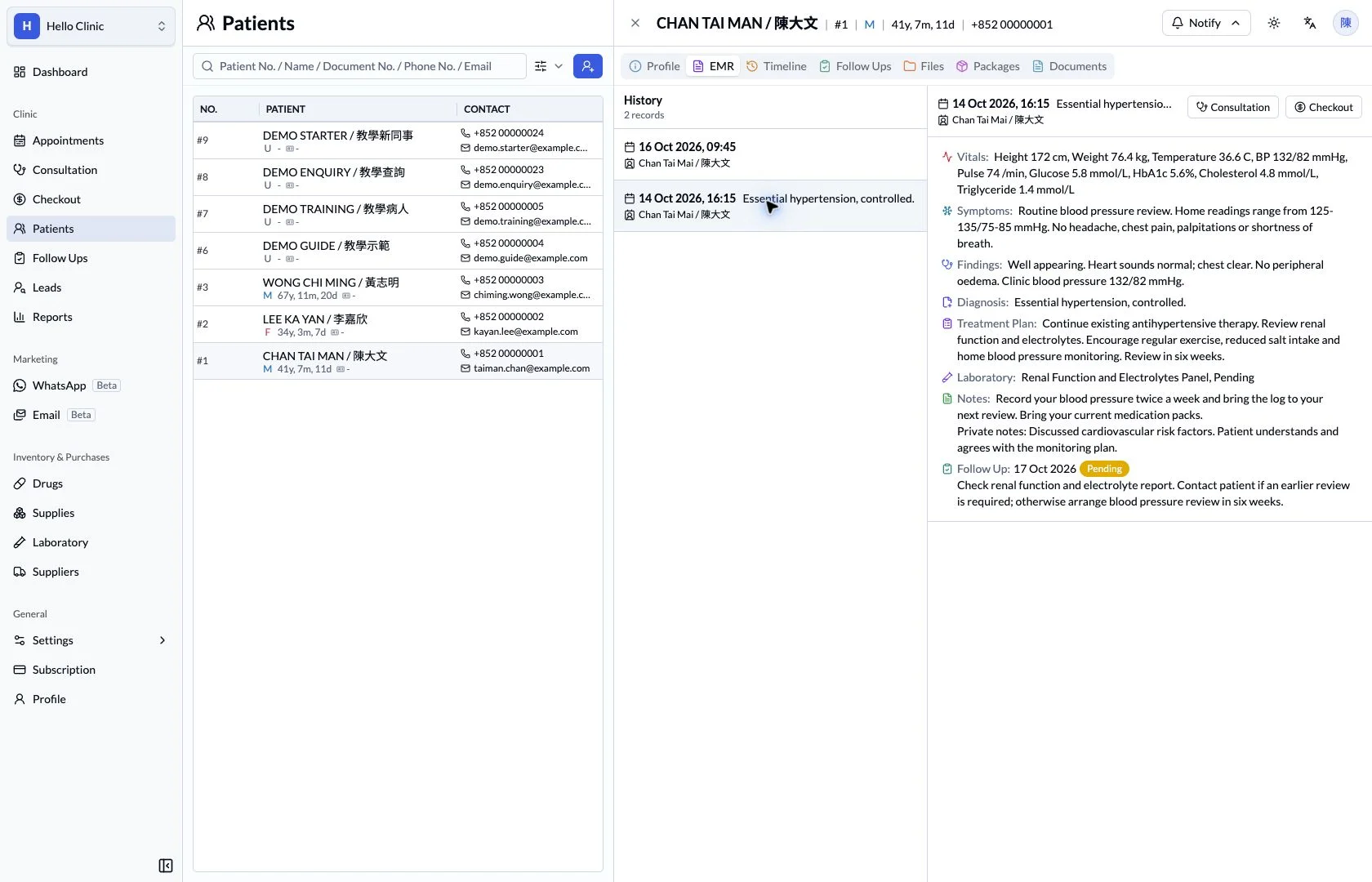
Once the relevant visit is identified, select it in the electronic record to read the documentation. Staff can check the symptoms, management and plan recorded at the time rather than relying on chronology alone.
- Verify the selected consultation date.
- Confirm the earlier plan in the visit record.
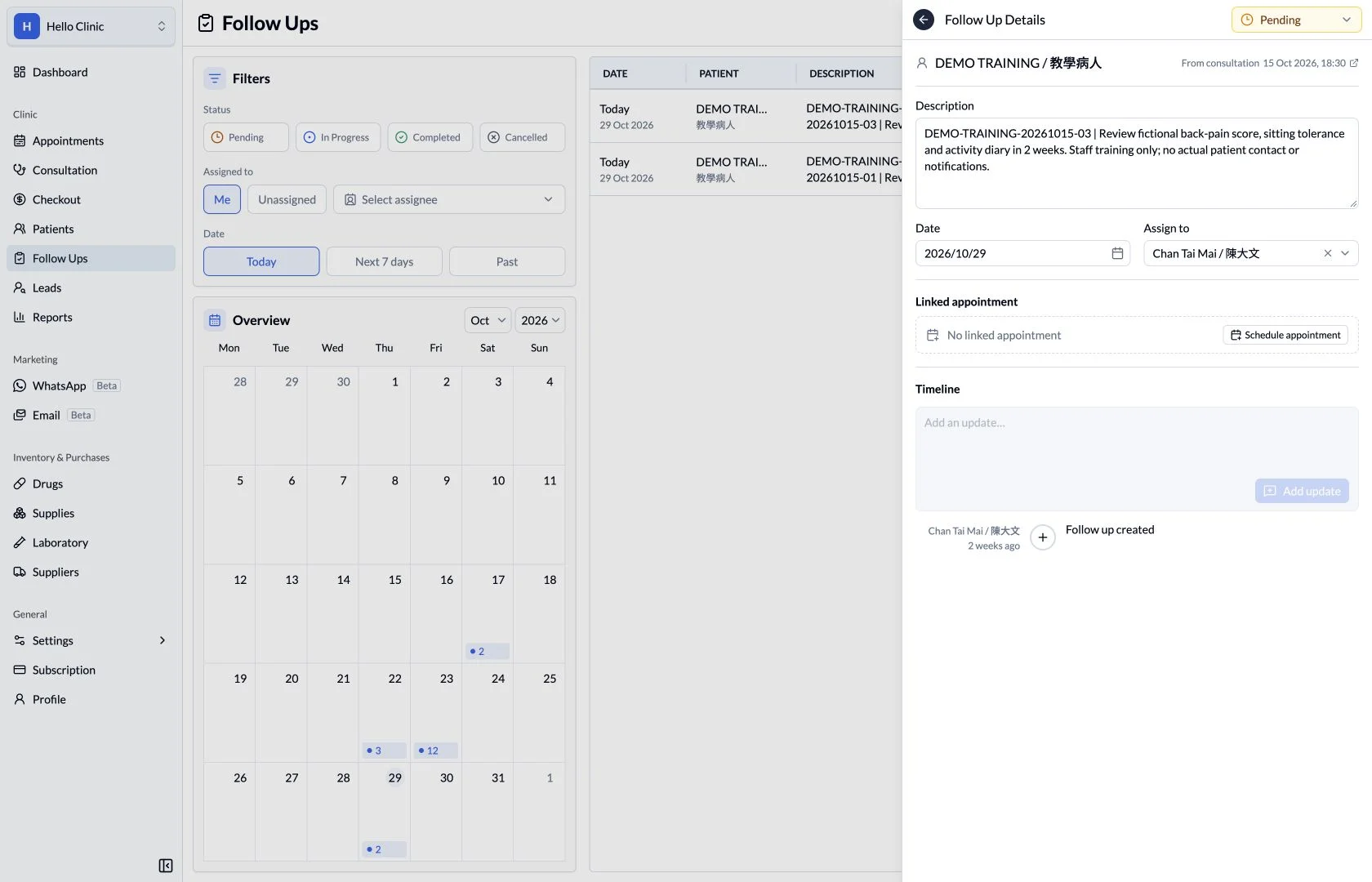
Turn the next action into a task
If the review leads to patient contact or another arrangement, record a follow-up task. The content, date and status connect the chronology to the next practical action.
- State who needs to do what.
- Update the task after the work is handled.
How it fits the clinic day
Open the patient timeline.
Find the relevant period.
Review the sequence around a visit.
Connect the events between visits.
A clinical note explains a consultation. The timeline complements it by showing the surrounding sequence of appointments and recorded visit events.
What this helps you do
Event order
See the sequence of recorded interactions.
Date and time
Keep timestamps visible beside each event.
Visit context
Read the clinic context recorded for an activity.
Keep the next handover clear
The timeline helps locate context; detailed decisions still rely on the corresponding consultation, document or task. Clear records of new work make the next review easier to follow.