
Label Printing
The right language, checked before printing.
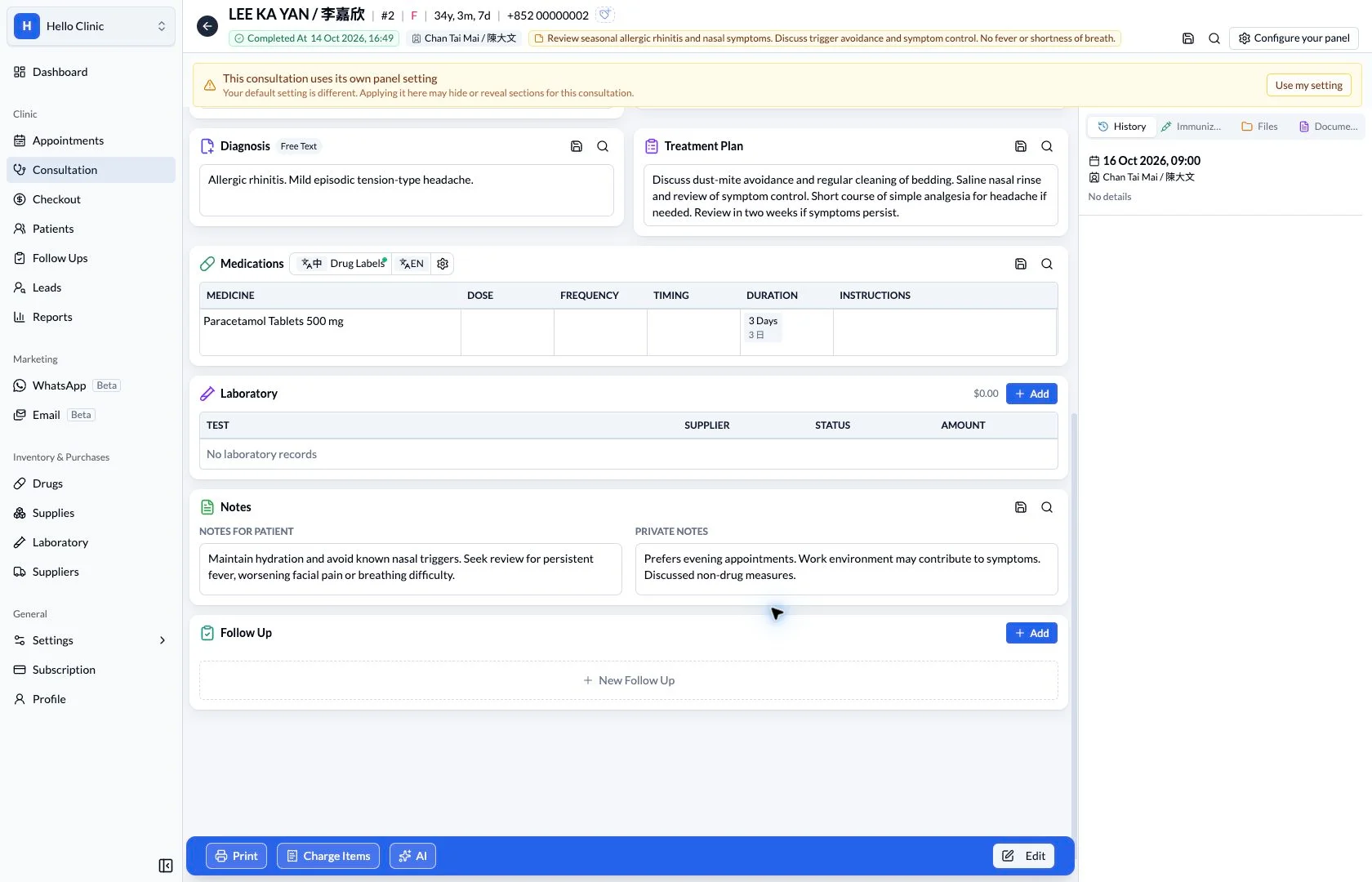
Access patient and medication labels within the clinic workflow, with Chinese and English medication-label controls and a printer-settings entry point.
Patient records & documents
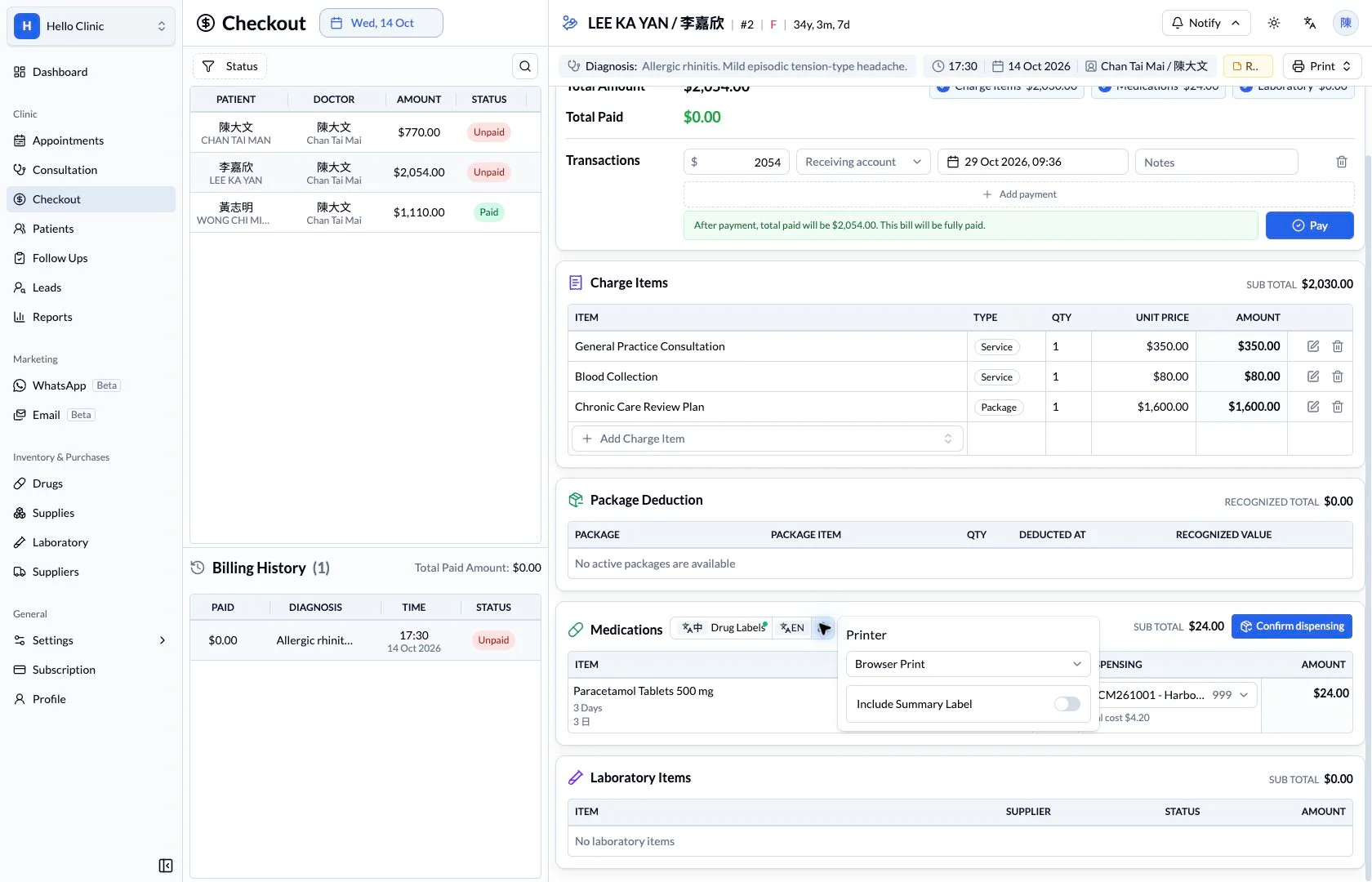
Make label checking part of dispensing
Once medicines are prepared, staff still need to check that labels match the current order. Connecting prescription review, label settings and the selected print method supports a repeatable dispensing workflow.
- Doctor
- Confirm the prescription and directions.
- Dispensing staff
- Check label settings and the physical output.
Start with clear directions in the order
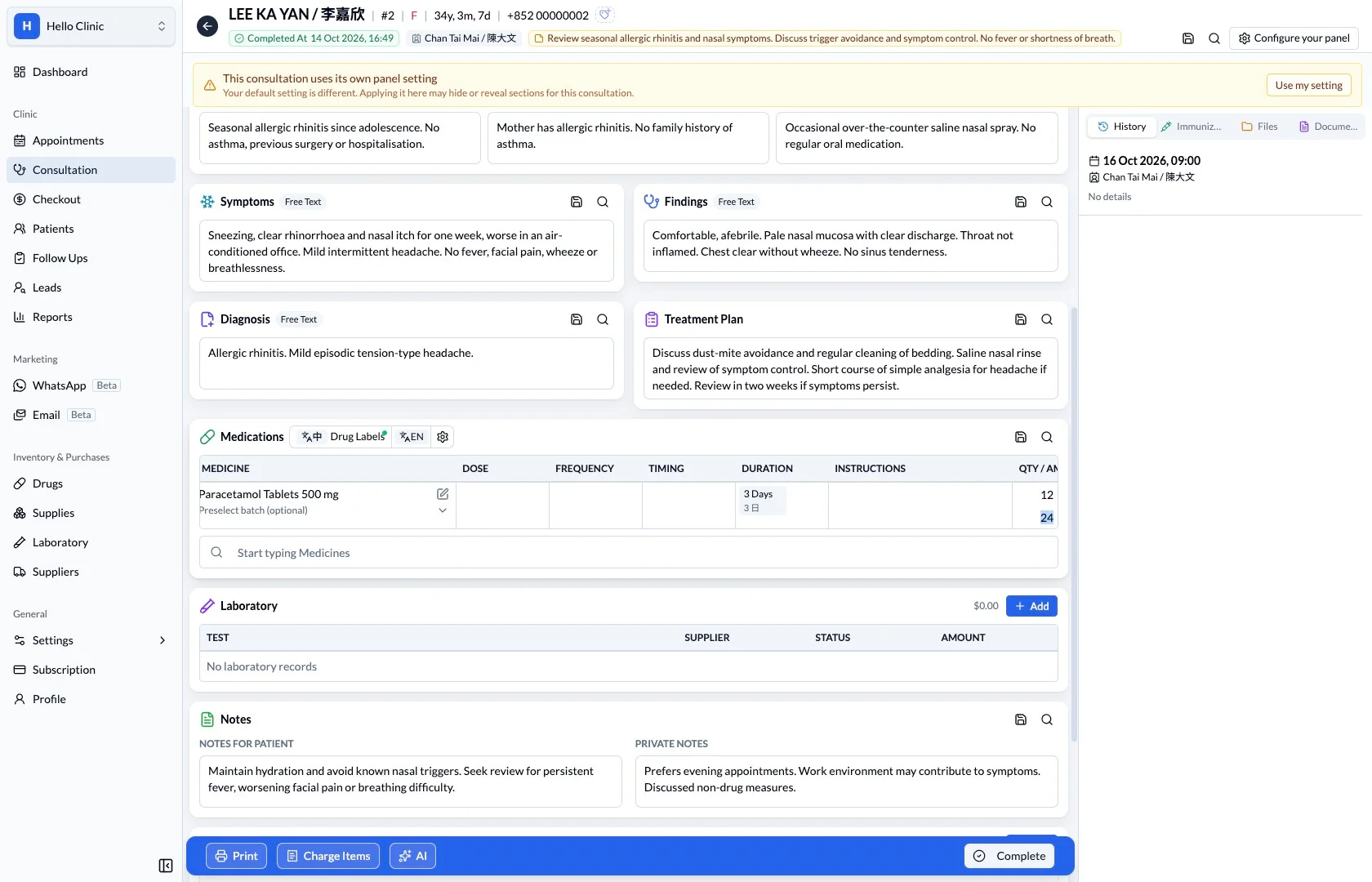
The medicine, quantity and direction fields provide the context for label checking. Review them before printing so unresolved prescription details are addressed before the medicine reaches the patient.
- Check the medicine, strength and quantity.
- Confirm that directions match the doctor’s current order.
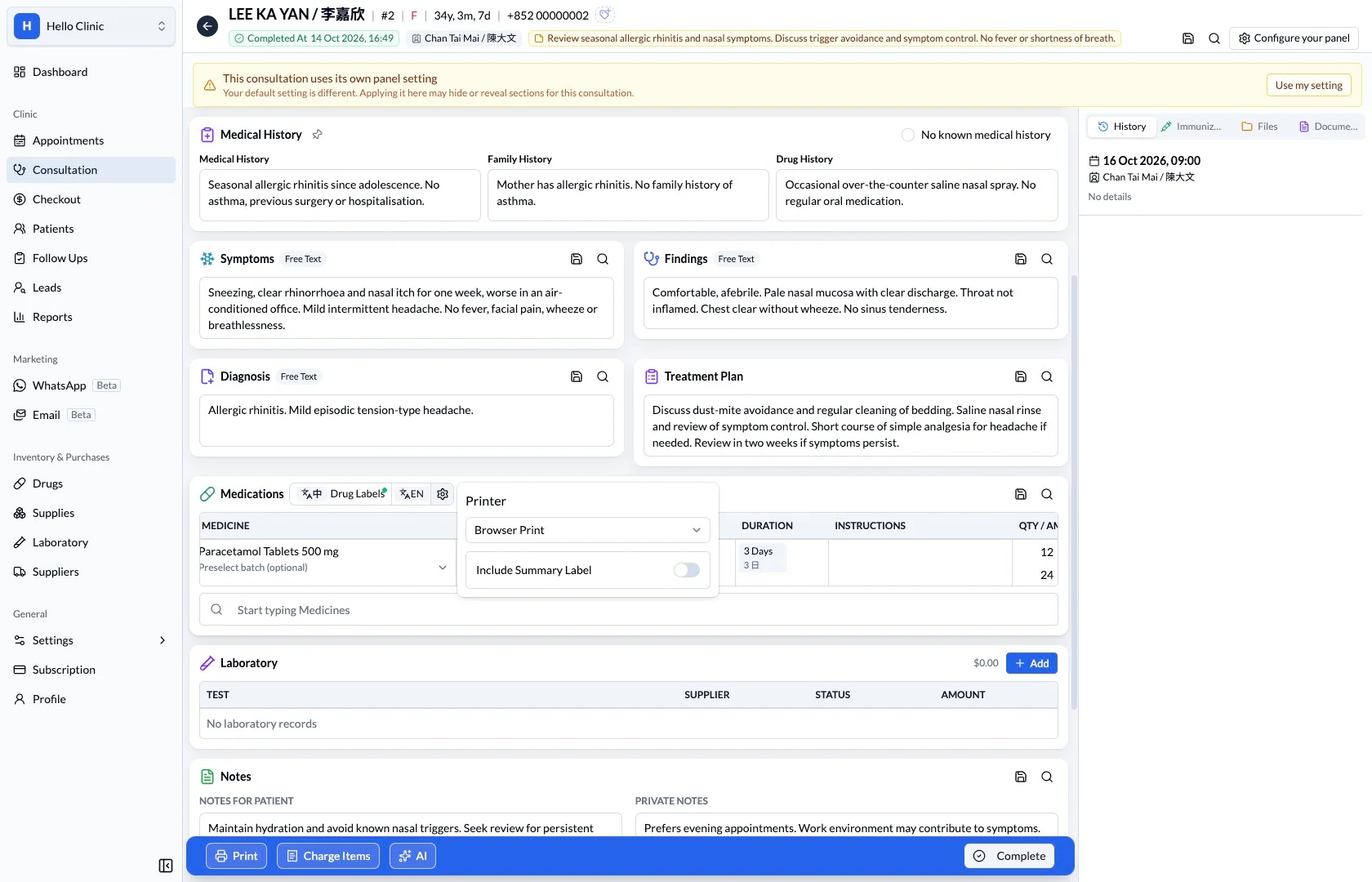
Review the label print settings
The label settings show the print method and options such as including a summary. Dispensing staff can check these against the clinic’s normal process before producing the labels.
- Confirm settings against the current dispensing task.
- Check the clinic’s label format before making adjustments.
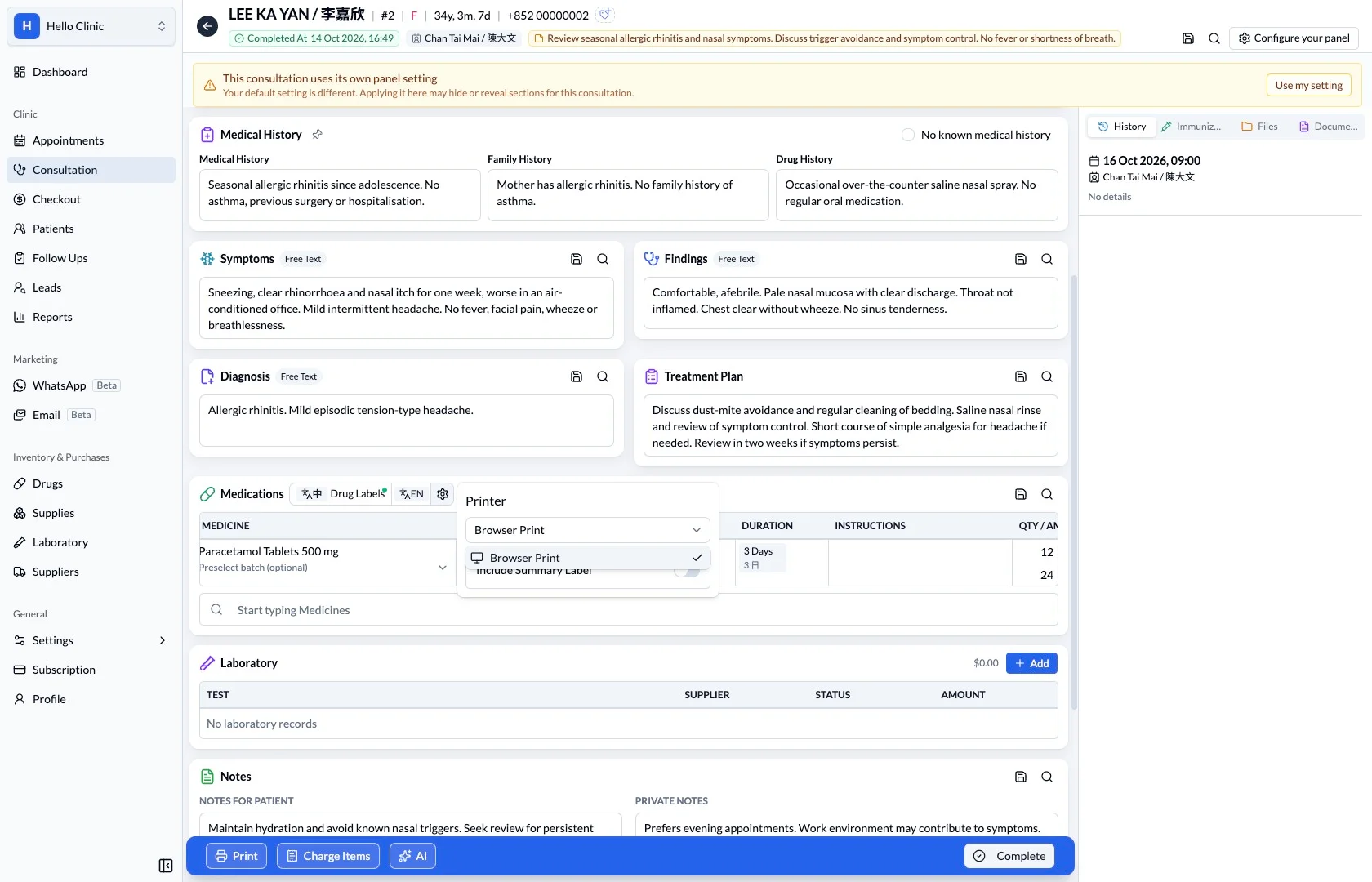
Confirm the output route before handover
The print method selector shows the available route, such as browser printing. Staff check that the selection fits the workstation, then inspect the actual label text and layout after printing.
- Confirm the route used by the current workstation.
- Review the physical label for readability and accuracy.
How it fits the clinic day
Check the patient and medication.
Choose the label language.
Review printer settings before printing.
What this helps you do
Label language
Choose the Chinese or English medication label.
Patient preference
Use the preferred-language indicator as a visual reminder.
Print settings
Review printer selection and the summary-label setting.
A small check at the final handover.
Labels communicate the prescription beyond the screen. Reviewing language and settings helps staff prepare the intended label for the patient.
Keep the next handover clear
After printing, compare the label with the physical medicine, prescription and patient identity before handover. When changing printers or label stock, check that the output remains suitable for use.